User Details
About
When you have clicked on edit, you open the User Details. Here, you can edit the
details of your own user. When you have selected to edit
another user, you are able to see the name and email of the user, but you cannot
change it. Also, you see the Tenants that the selected user has access to.
You need to have Admin rights in these Tenants to see, whether the user has
access to them. Also you can change the role of the user in these Tenants and
you can remove the user from them.
Anatomy
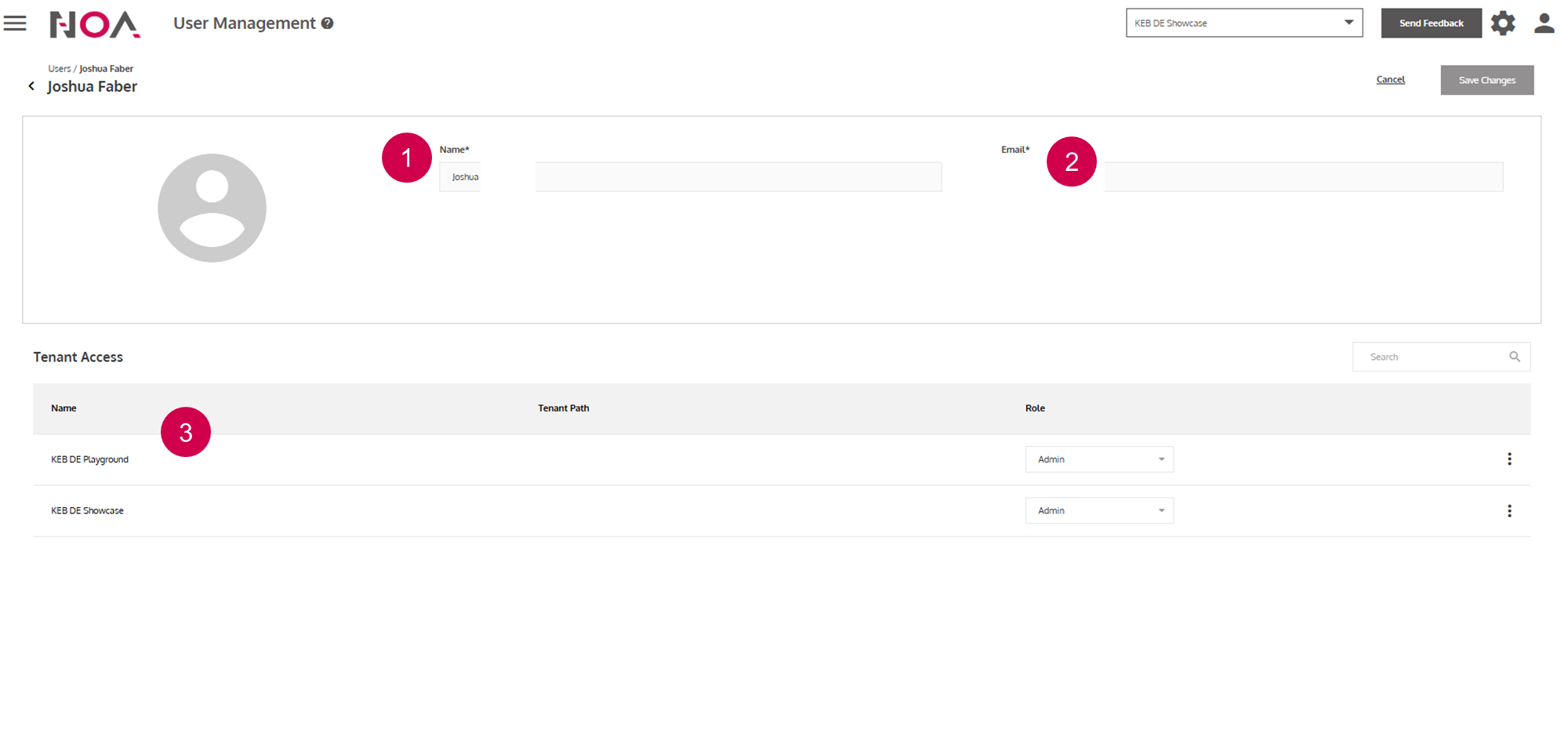
Name
Email address of the user
Tenantsthat are accessible by the user