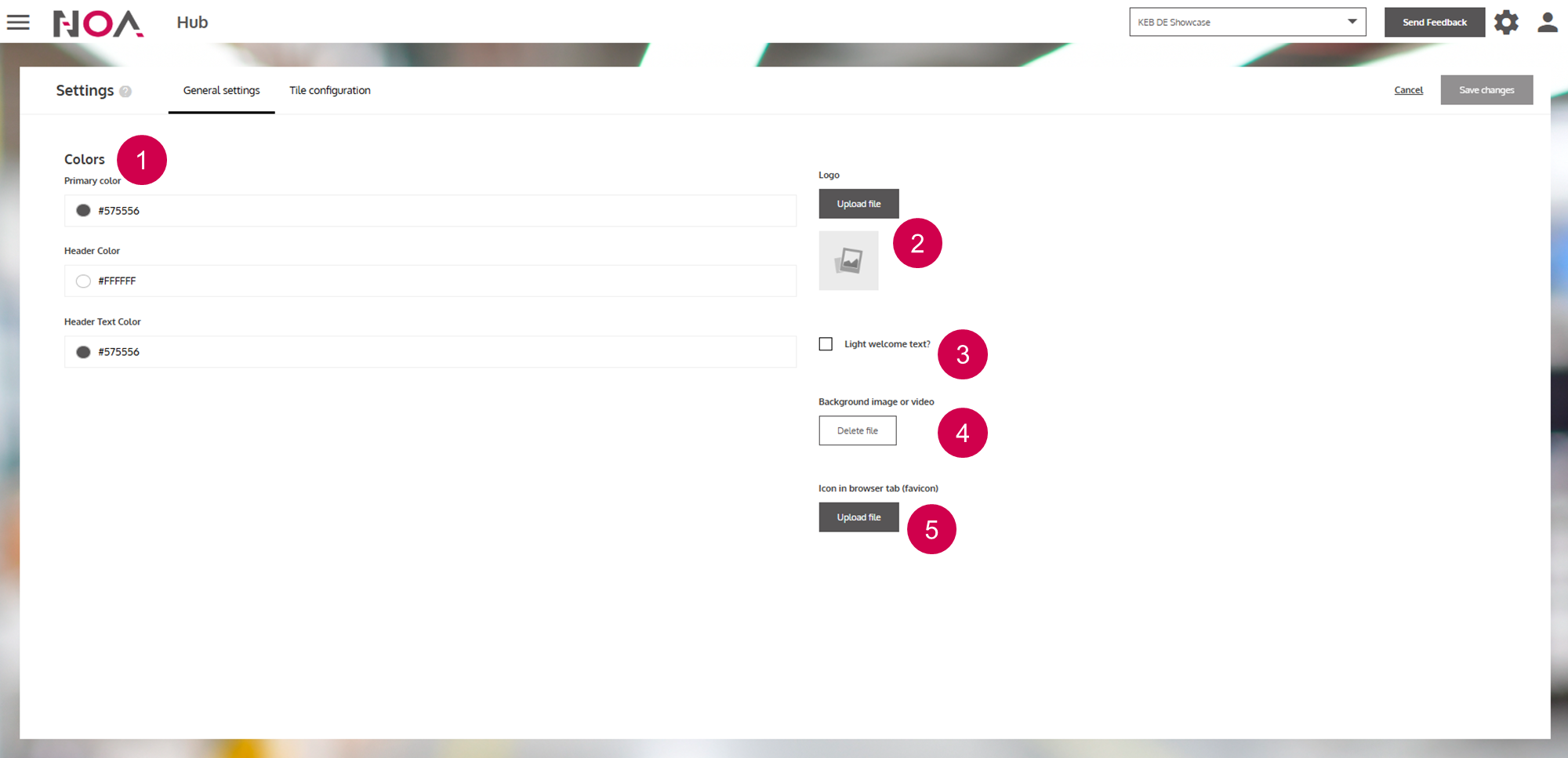
ReferenceHubHub SettingsGeneral SettingsOn this pageGeneral Settings About In the General Settings tab, you can customize your Tenant. You can change colors, logos, images and the Welcome Message. Anatomy Change colorsChange logo (top left)Toggle the color of the Welcome MessageChange background imageChange icon in the browser tab