Delete Device
About
Please keep this in mind!
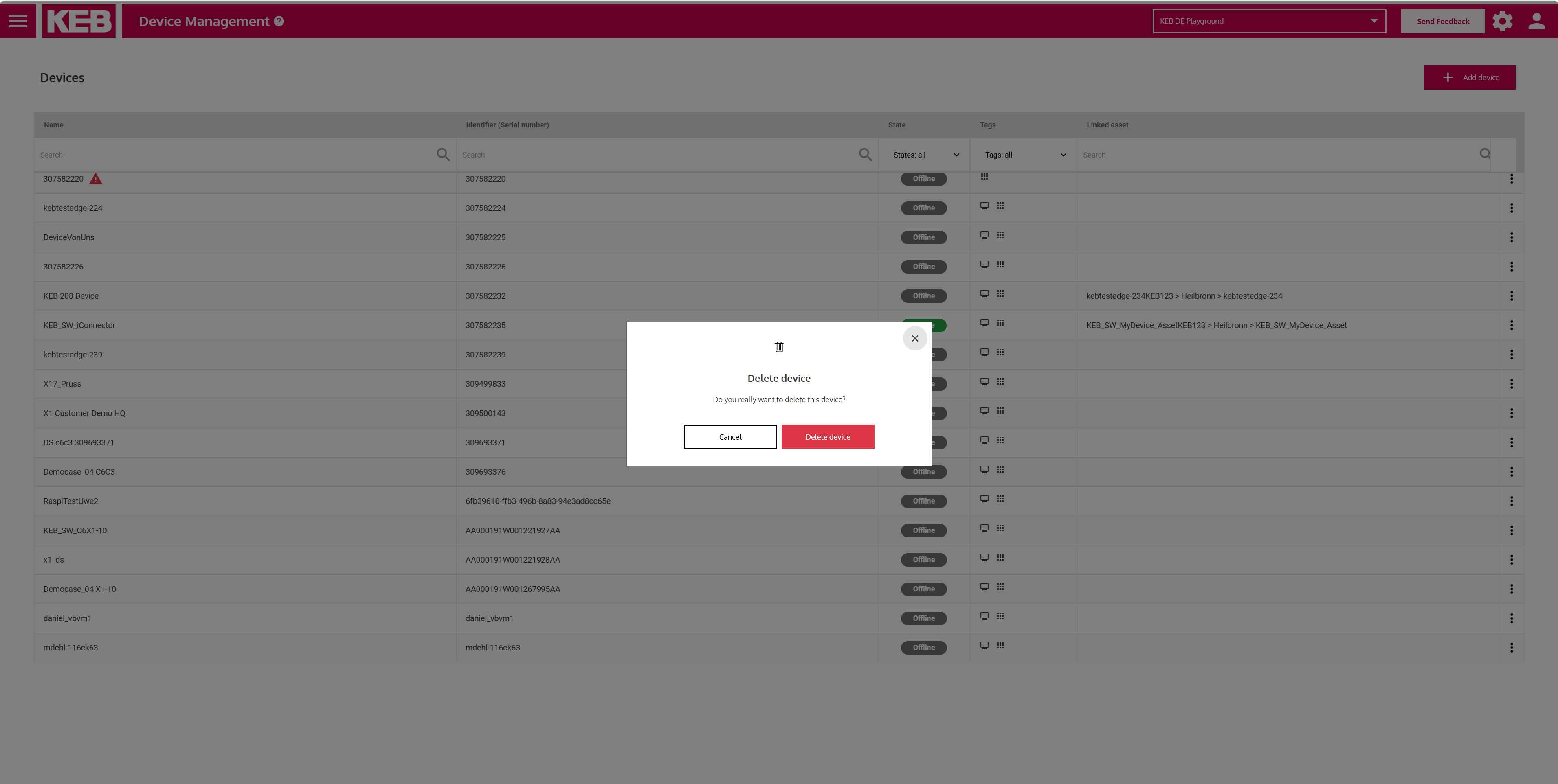
After clicking on delete, you need to confirm your action to finally delete your device. When performing this action, there are some things to keep in mind, which are explained below.
Notable implications
- Deleting a device also removes Grafana panel and alerts that are directly linked to this device. That means, if there is a panel or an alert that only contains the ID of this device (and of no other device), then the panel or alert is automatically deleted when this device is deleted. To prevent this behaviour, you need to manually remove the device ID from the query within the panel or the alert that you want to keep.
- If a panel or an alert contains IDs of multiple devices, it will not be deleted automatically when one of those devices is deleted.