Asset Pool
About
Created Assets appear in the Asset Pool first. Here, you can manage them. If
your Asset is ready to be used, then you need to allocate it. After that, it
is displayed in the Allocated Assets.
Anatomy
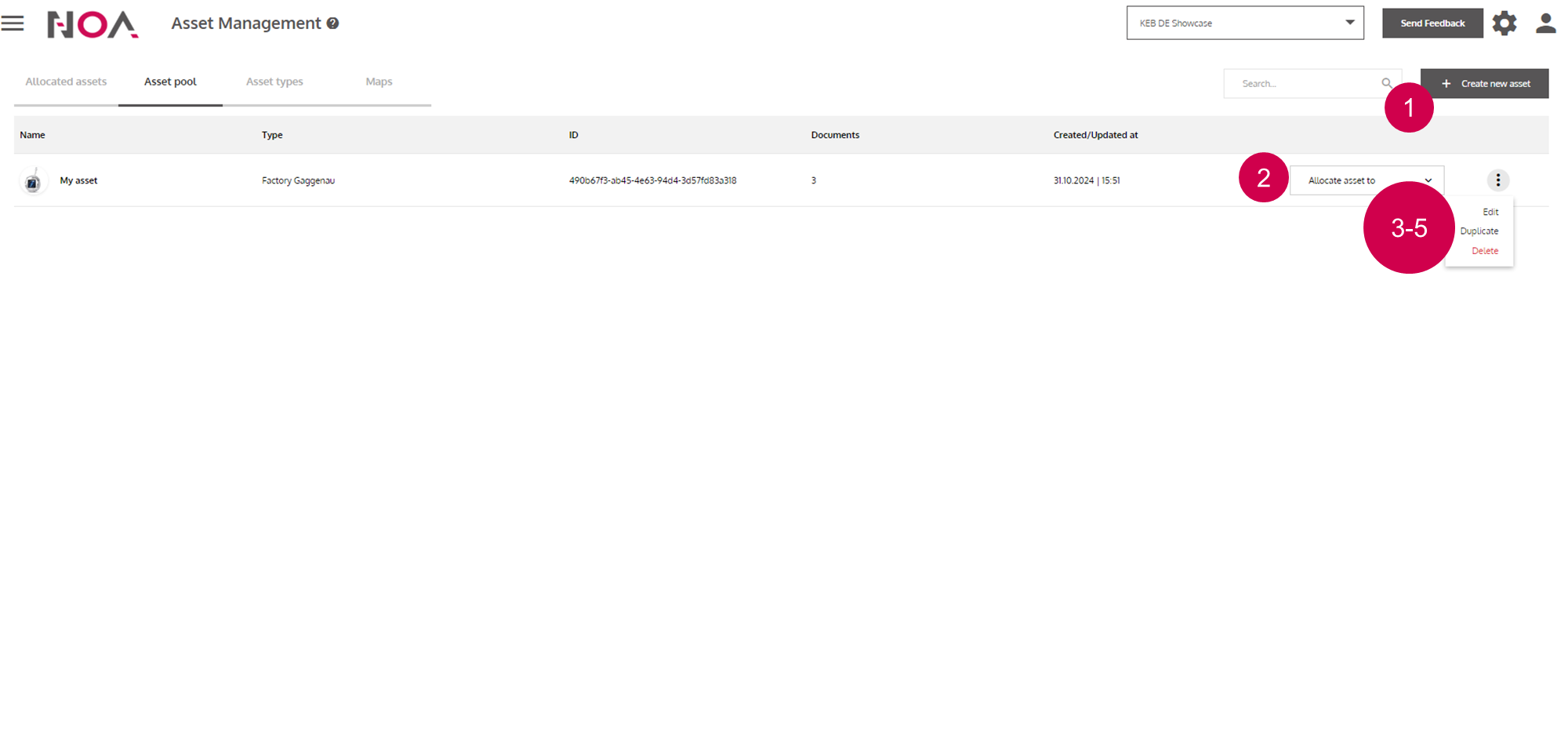
Create new
AssetAllocate the
Assetto the Asset TreeEdit to move to the Asset Details
Duplicate
AssetDelete
Asset