Allocated Assets
About
In this tab, you can see the Asset Tree of your Tenant. Allocate your Assets in the Asset Pool to display them here.
Anatomy
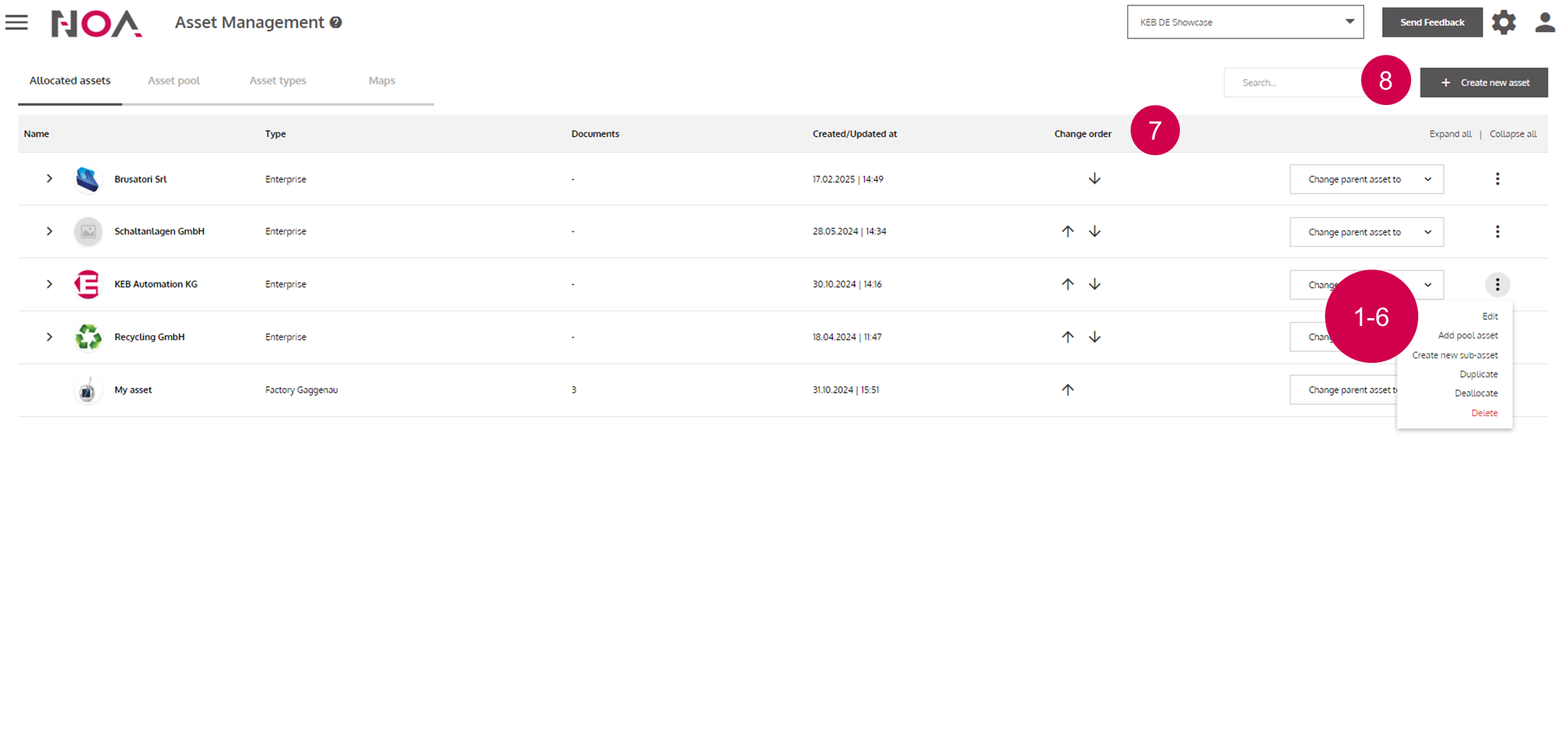
Go to Asset Details
Allocate an
Assetfrom the Asset Pool to thisAssetCreate a new
Assetthat is directly allocated to thisAssetDuplicate this
AssetMove the
Assetback to the Asset PoolRemove the
AssetChange the order of
Assetson the same hierarchy levelCreate a new
Asset