Tiles
About
As explained in the Tiles Tab section, Tiles add functionalities to your Boards.
Before going into the specific Tiles, the general information that you need to
enter for every Tile is explained. You can see these information on the left
(see 'General') when clicking on a Tile in the Tile Store.
General Tile Information
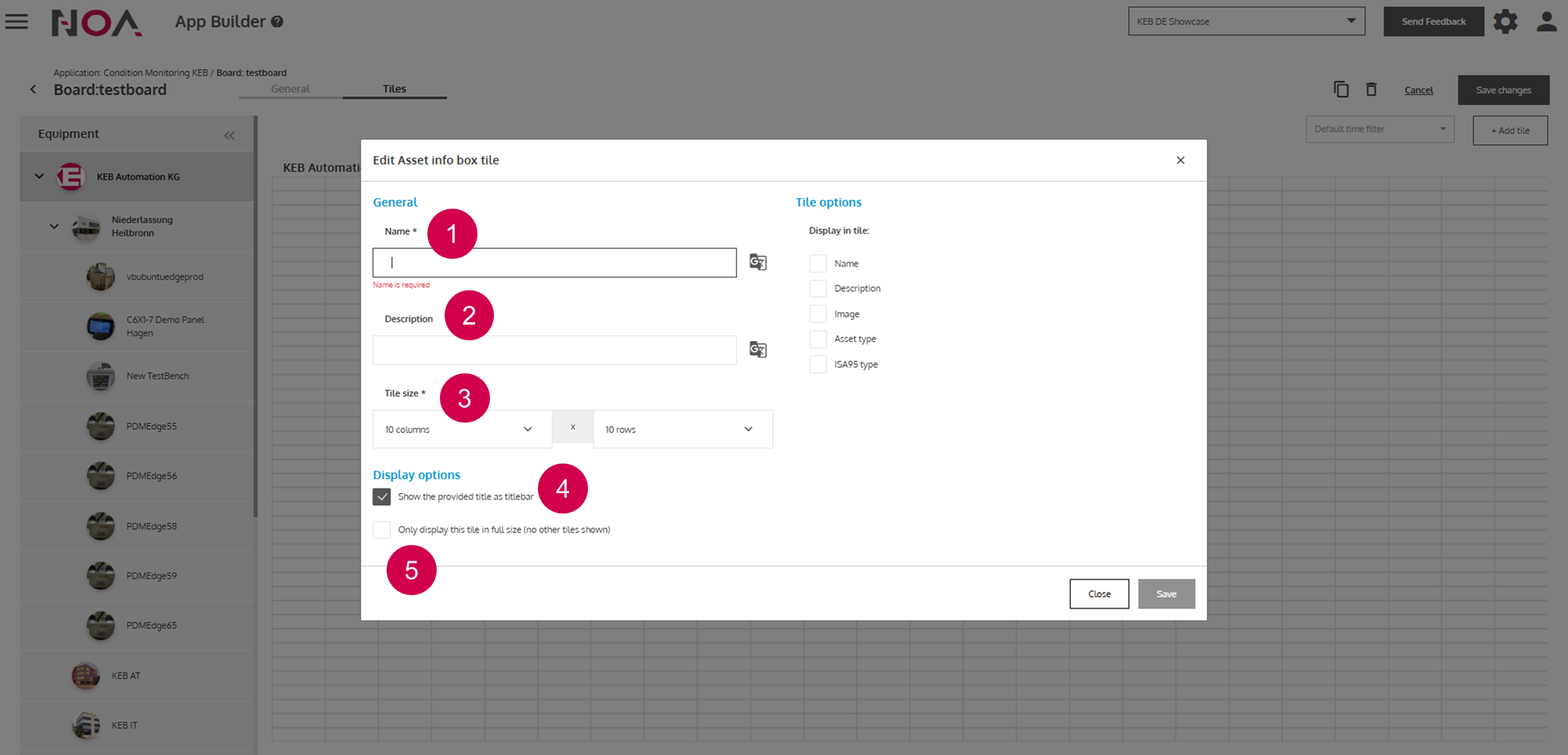
Name of the
Tile(required)Short textual description
Size of the
Tiledescribed as units of the gridName of the
Tileis displayed as a title bar of theTilein theBoardTileis displayed in full size and no otherTileis shown.