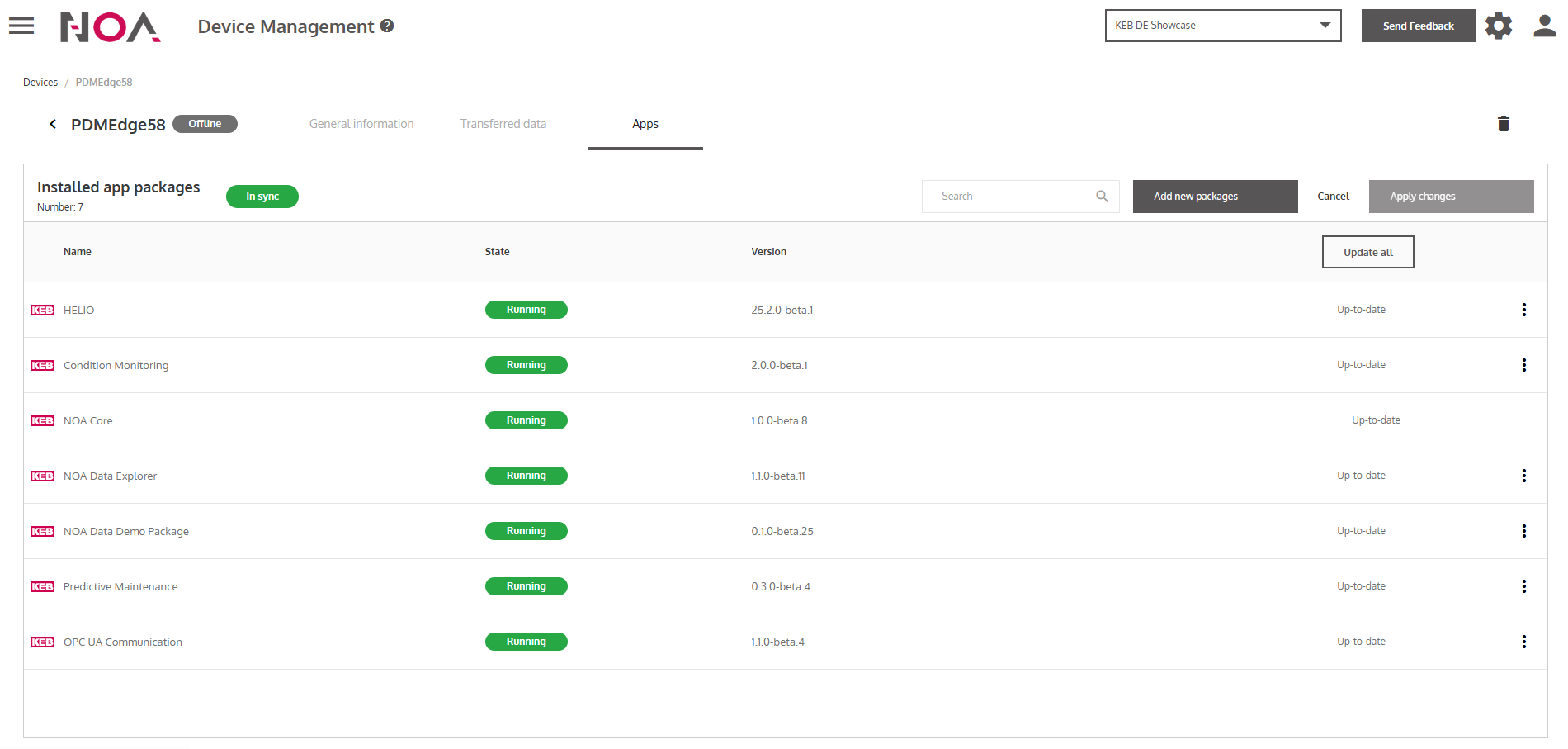
Install Apps
After you have added a Device to your Tenant (see Add a Device),
you are able to easily install and update Apps via NOA Portal. This way you have a central place
to update all of your Devices via the internet. No more USB-Sticks!
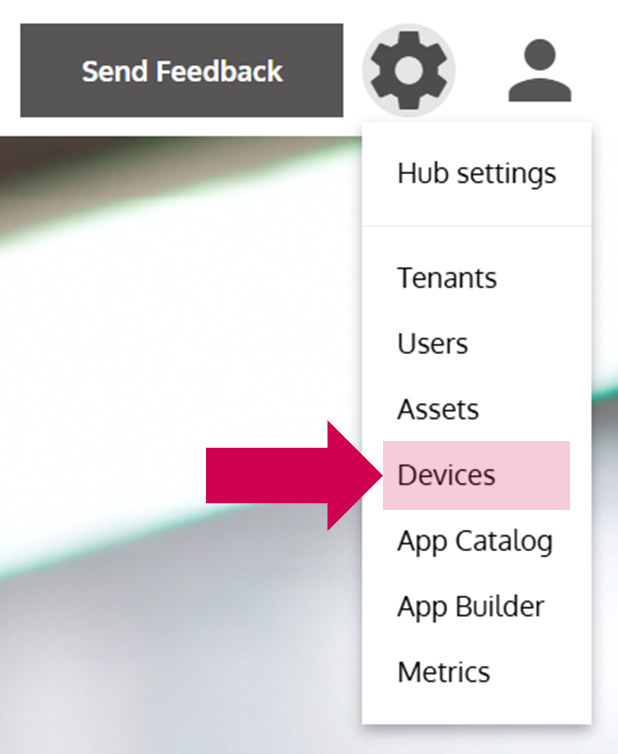
- Open the Device Management
… via the Options Menu by clicking on Devices.
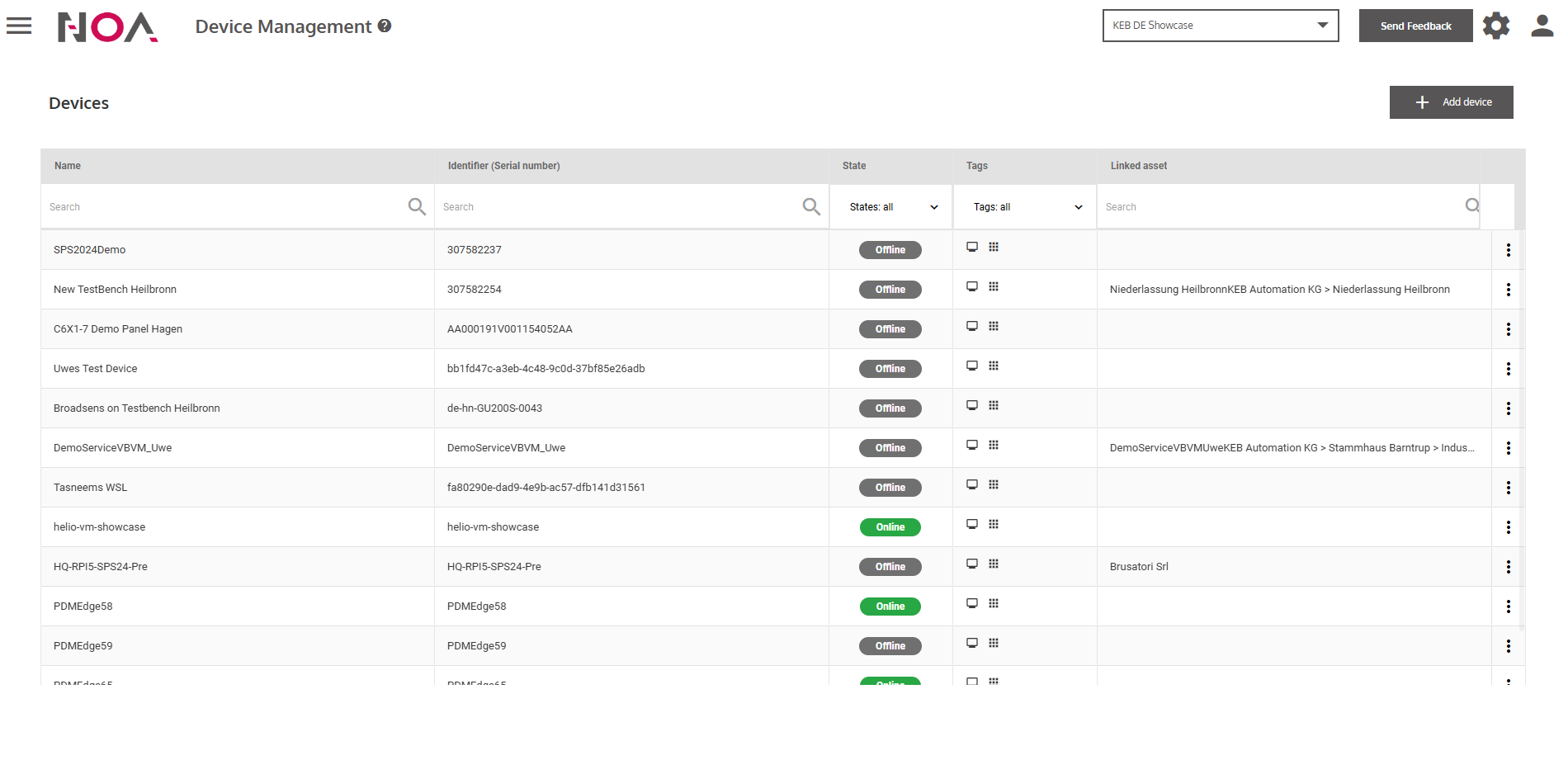
- Click on a Device in the Device Table
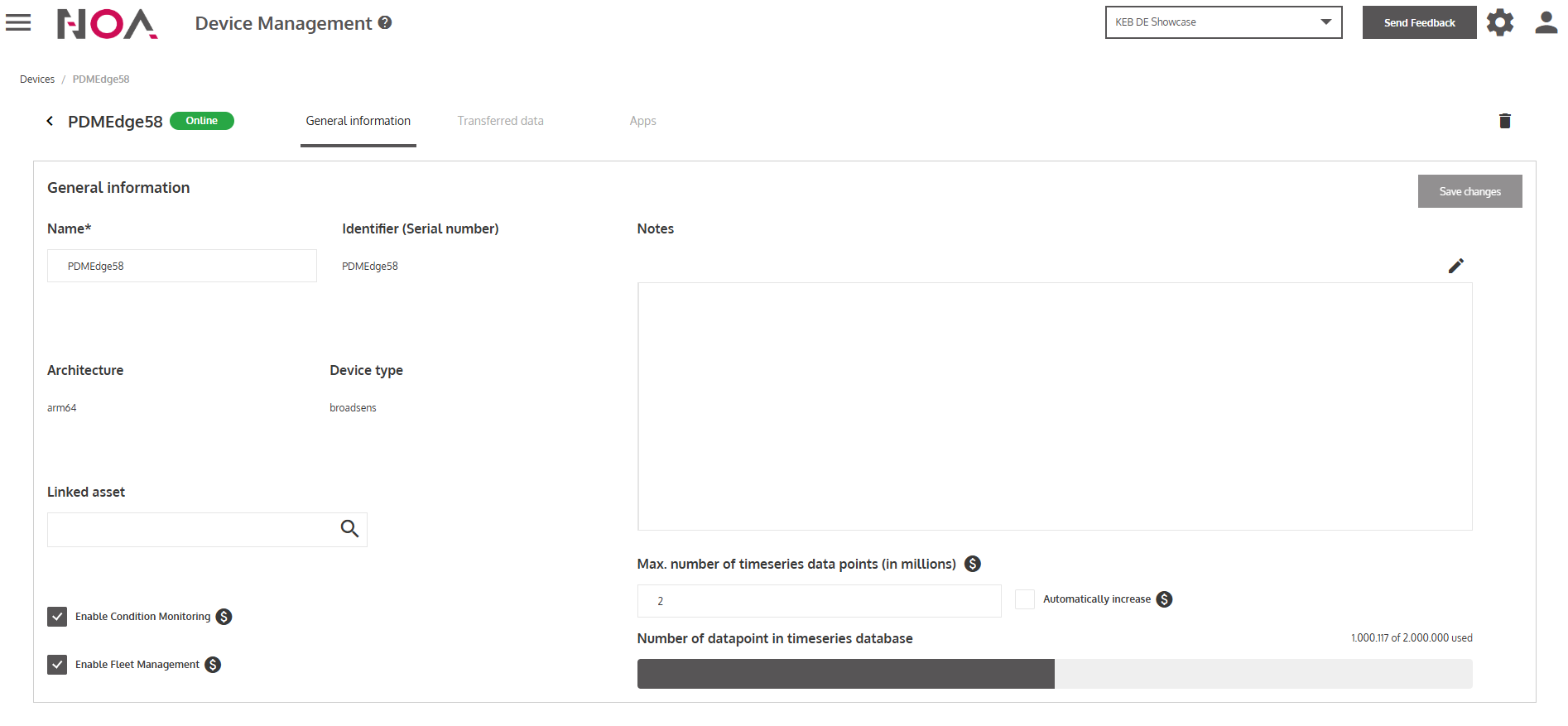
- Make sure that Fleet Management is enabled
Toggle the checkbox Enable Fleet Management at the bottom left in the General Information tab.
- Open the Apps tab