Create a Tenant
You can create Tenants below your own Tenant. These are called Subtenants.
As an OEM, you are able to provide your endcustomers with a Tenant and even get billing relevant information of their Tenants (see Check your Billing Information).
This way you are able to enhance the value of your machines by additionally providing them with the features that NOA Portal offers.
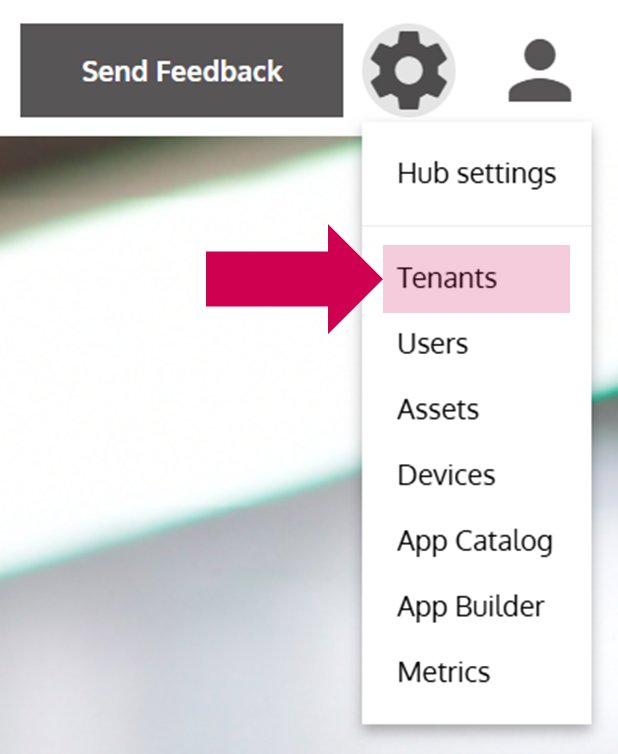
- Open the Tenant Management
… via the Options Menu by clicking on Tenants.
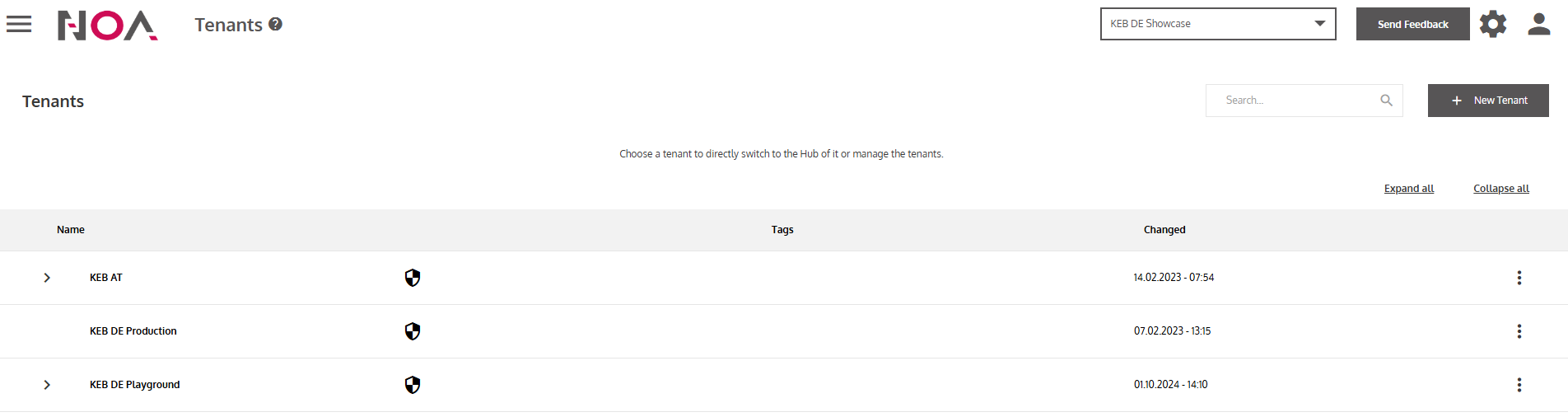
- Click on New Tenant
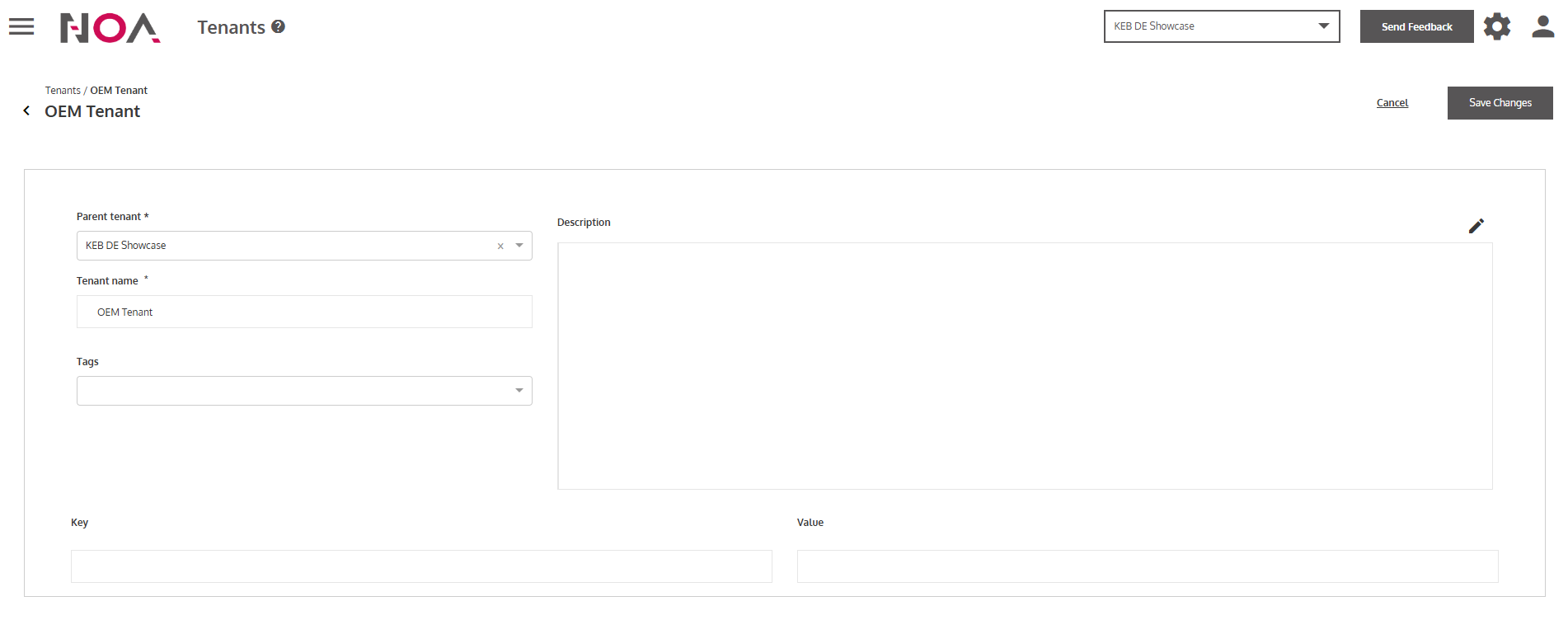
- Enter information of your Tenant
You need to enter at least the Parent Tenant and the Tenant Name. The Parent Tenantis usually your current Tenant.
- Click on Save Changes
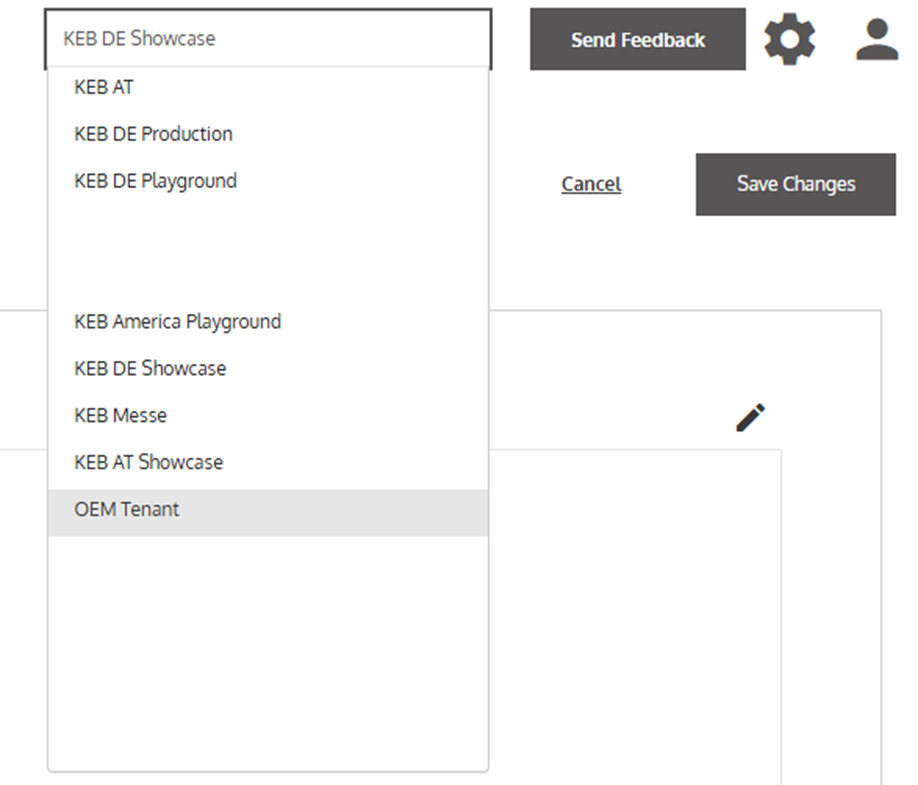
… to create your Tenant. Now you are able to navigate to the new Tenant via the Tenant Selector in the Header.