Create a custom Tile
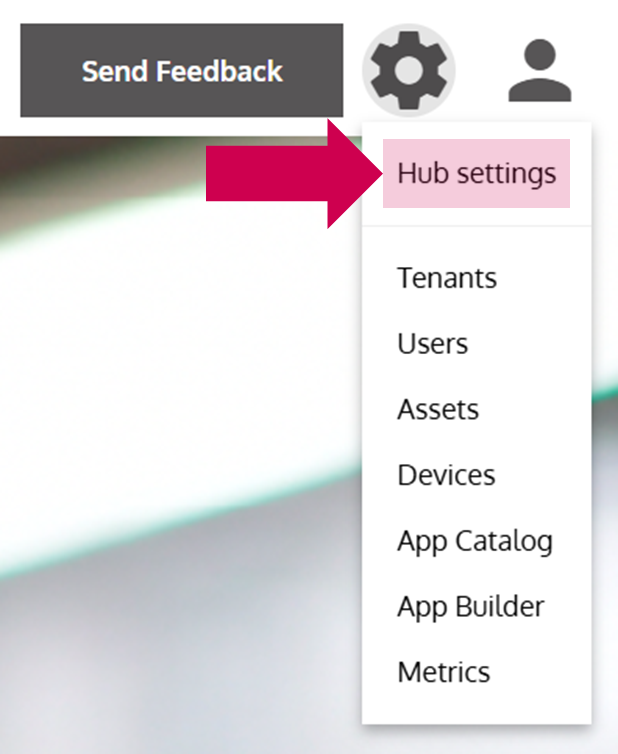
- Open the Hub Settings
… via the Options Menu.
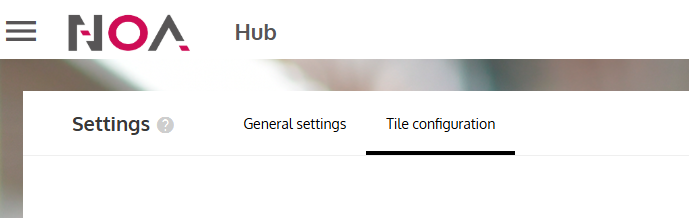
- Switch to the Tile Configuration
- Click on Add Tile
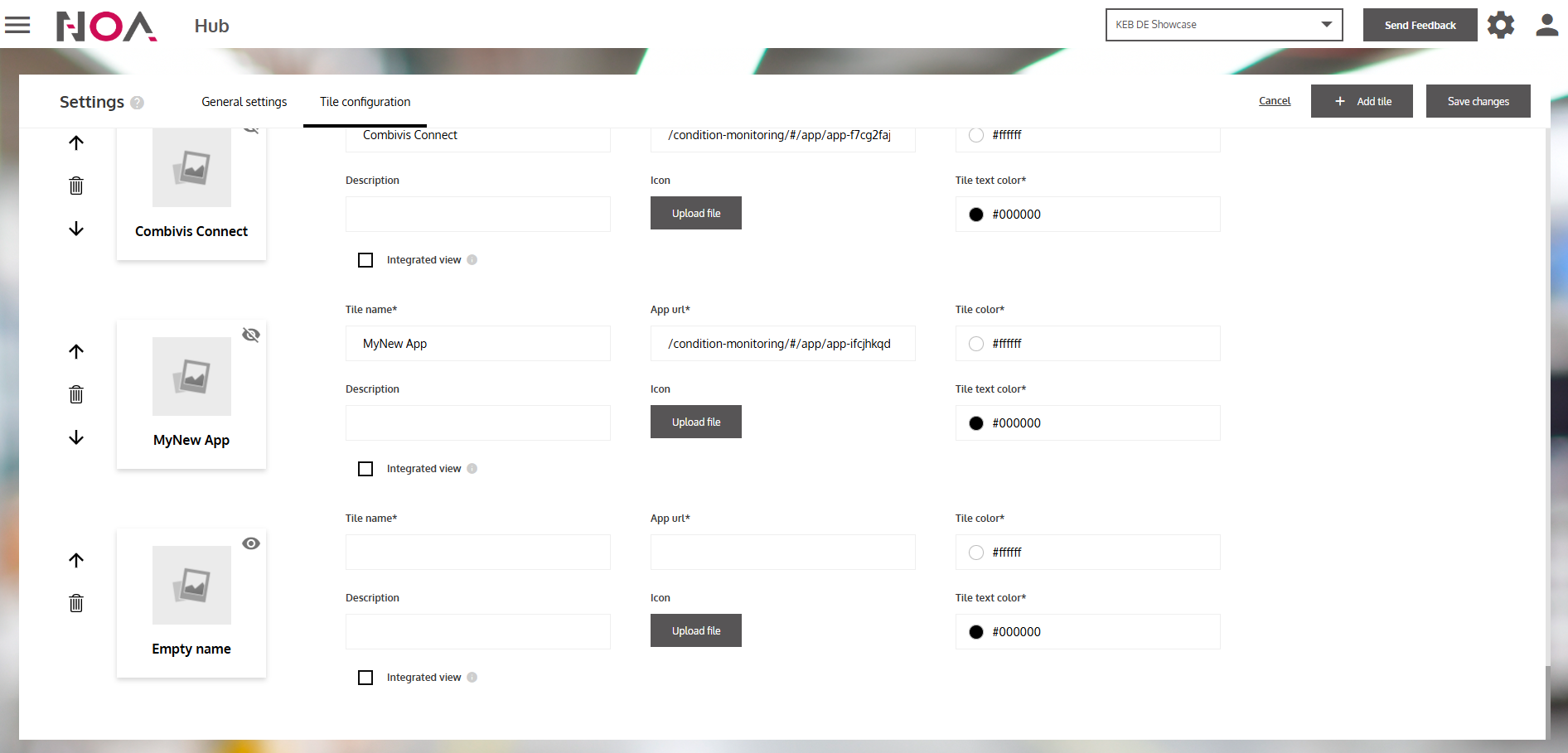
- Enter information of your Tile
… like the name and the URL of the Tile. You can also toggle Integrated view to display the URL in the browser with the NOA Header.
- Press on Save changes
… to save the new Tile.
Mission accomplished!
Your custom Tile will now be displayed on the Hub.