Add a User
Invite users to your Tenant so that they get access to it.
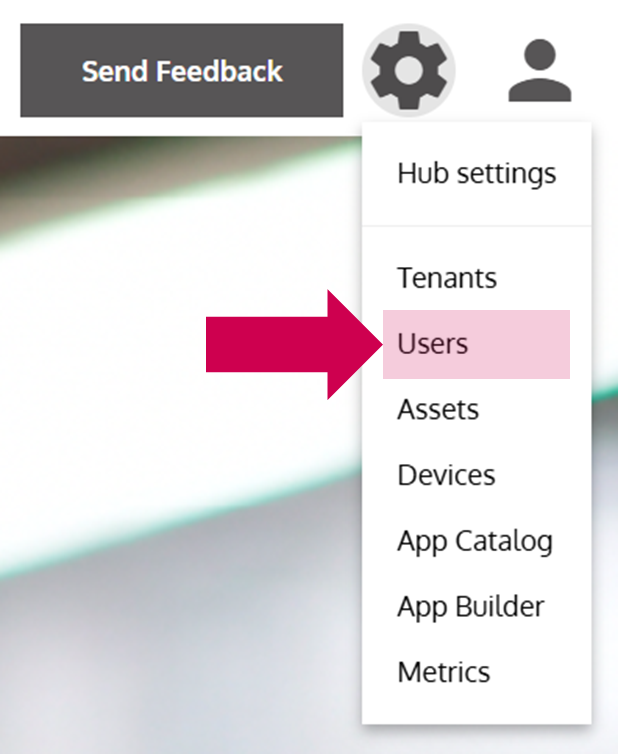
- Open the User Management
… via the Options Menu by clicking on Users.
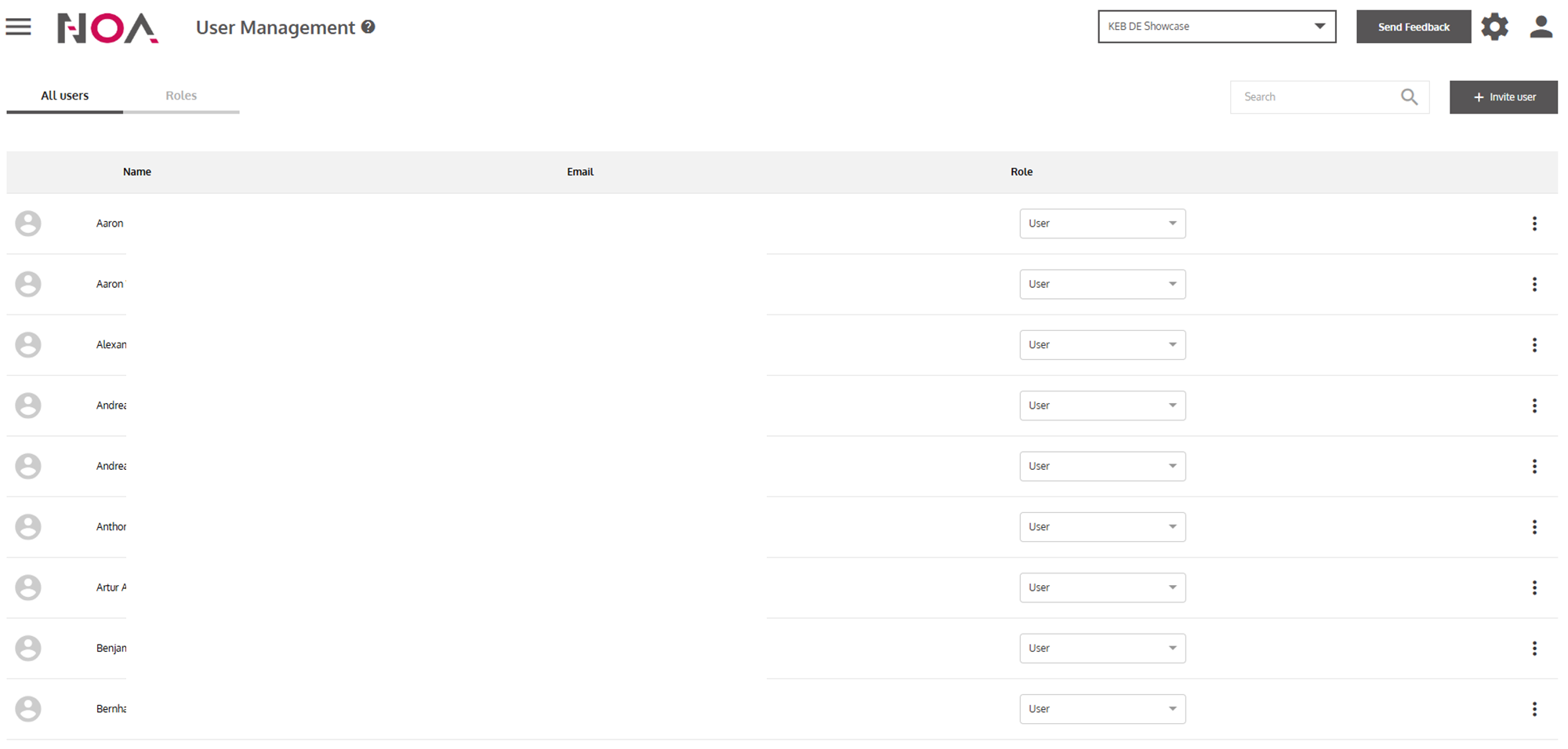
- Click on Invite user
- Enter the Email adress of the user and select a Role
You can choose between the roles User and Admin. Later on you are still able to change the role of a user in the User Management.

- Click on Invite user
… to invite the user and send an invitation Email to them (see Invite User). Now, the new user appears in the User Table.
Mission accomplished!
You have invited a User to your Tenant. Now they will receive an Email explaining them the next steps to access your Tenant in NOA Portal.