C6 Compact 3 for Control
The C6 Compact 3 is an embedded automation device by KEB that may be used for various use cases, e.g.
- For machine control (covered in this guide)
- As an edge device with NOA
- To provide a HELIO HMI runtime (starting from HELIO version 25.1.100)
⚠ This device is meant for low to medium complexity
- Do not try to achieve all of the above on one single device
- Do not install all available NOA apps at the same time
- Codesys Control runs inside a Docker container (as a NOA App)
- Check if this meets the performance needs for your use case!
If you don't need Codesys Control and/or Codesys Communication
- Uninstall this app from the device ("Delete" in App Manager)
- The Compact 3 will still keep one CPU core reserved for Codesys
➡ tl;dr Checklist Codesys Control
Establish Base Connectivity
➡ [Base Connectivity -- Documentation/KEB-Service-and-Support/Base-Connectivity)
- An internet connection is needed
- For license activation
- For app updates or installation
- Else internal network (WAN) will suffice
- Ethernet access from COMBIVIS
- Access to machine
App Manager
- State "out of the box" (note: Internet access already works, device is "online")
- To use the Compact 3 as a controller only Codesys Control and Codesys Gateway are needed

- NOA Apps
- Mandatory: NOA Core, System Manager
- Optional: Codesys Control, Codesys Gateway, License Manager
- Device ID is displayed in upper left corner, here
hn_lab_c3_93-- this typically is the KEB serial number
System Manger
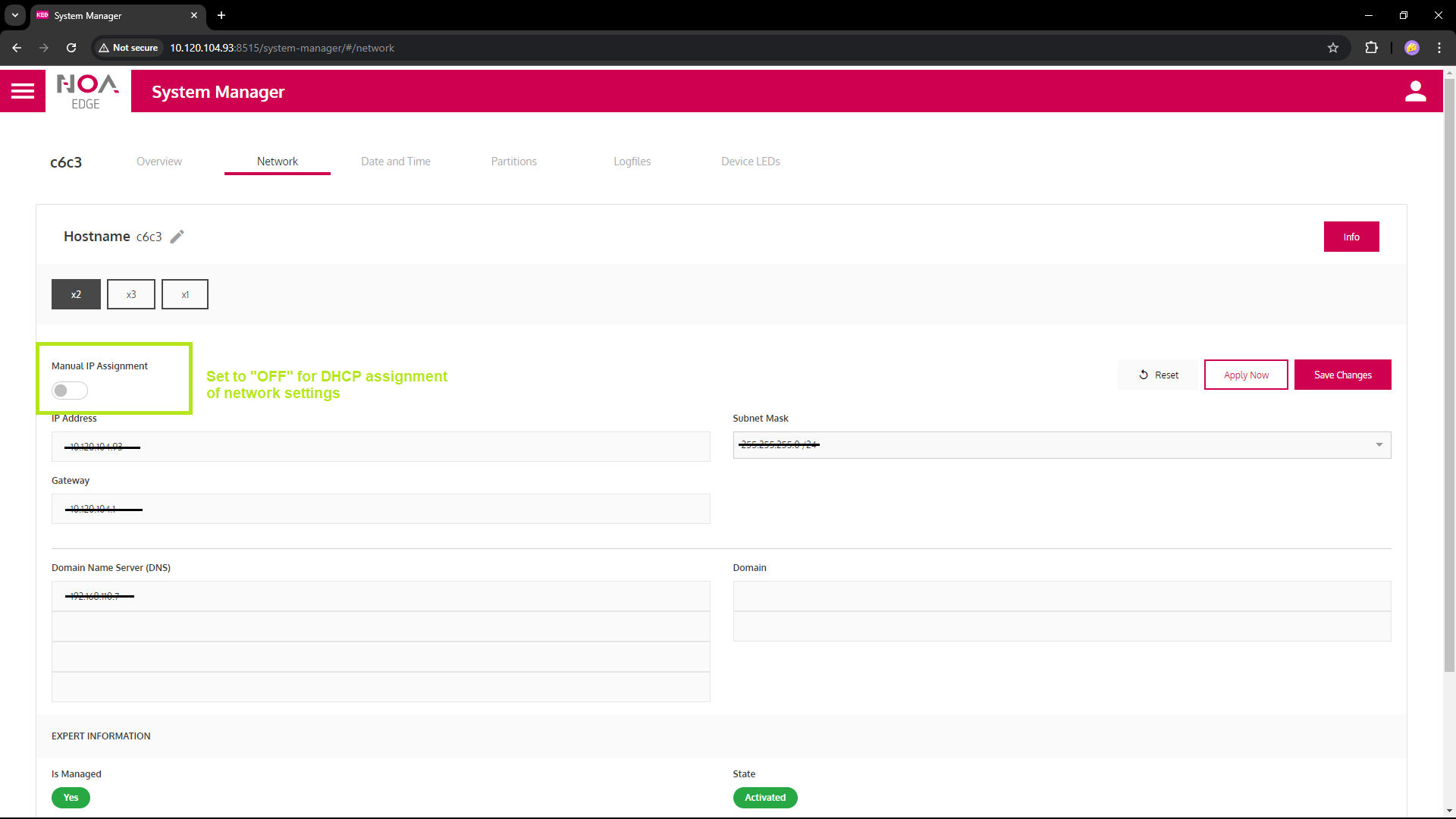
- Connect the device with the internet, either DHCP or static IP address
- Use connection
X2on device c6c3 - Get settings automatically via DHCP
- Manual settings for network access
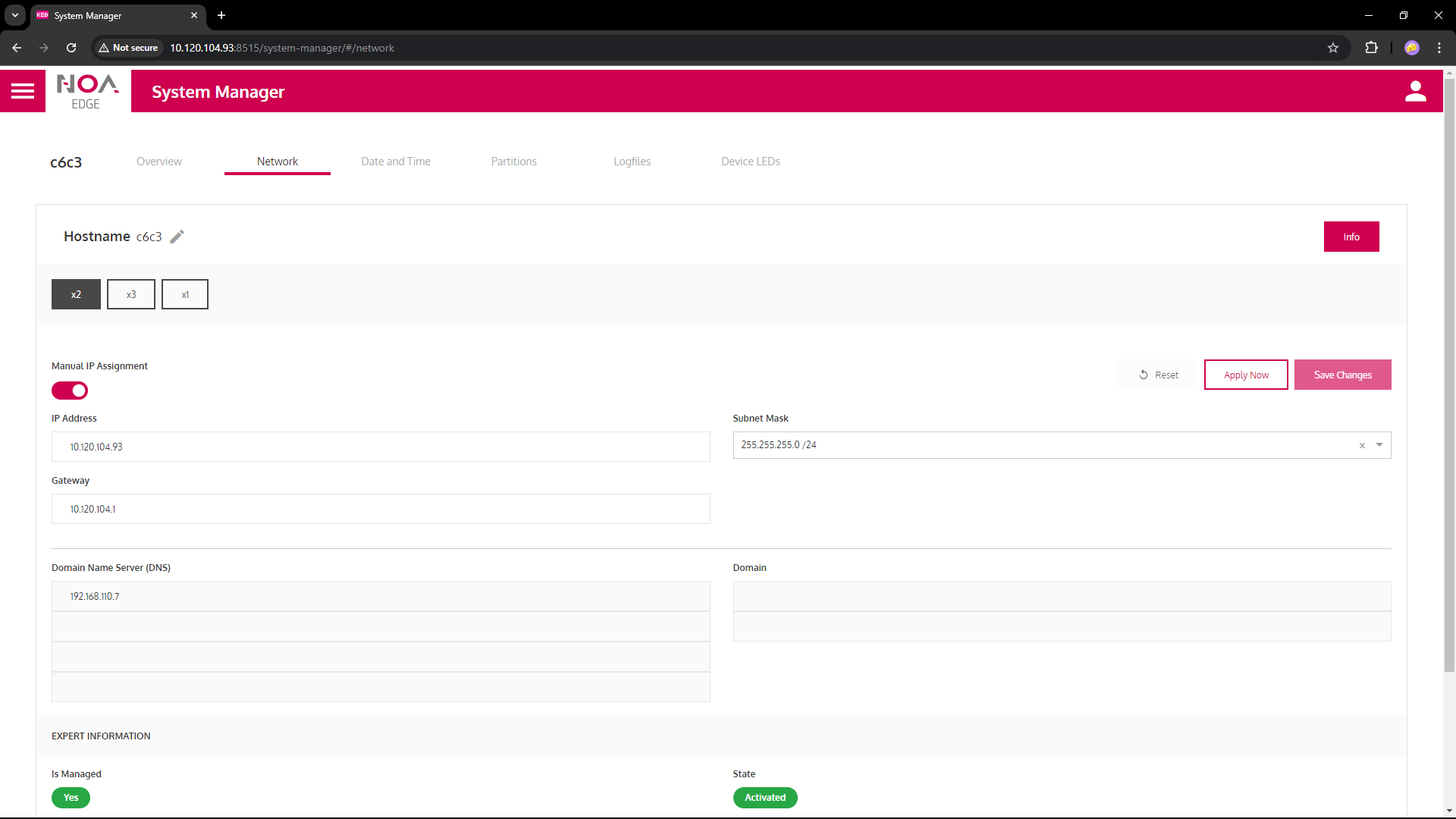
- Use connection
- Add a Codesys Control license, using the License Manager
- Get the license via KEB sales
Run a PLC Program with COMBVIS
Use COMBIVIS studio 6 to create and run a PLC program on the Compact 3 (just as any other Codesys Controller e.g. C6 Smart, E22)
- The Codesys Communication requires a running PLC program on the device -- otherwise the NOA Codesys Communication will not connect!
- It also needs some data to work with: create a symbol configuration and export some symbols
- Make sure at least one variable has at least read access
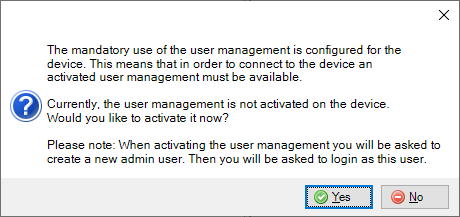
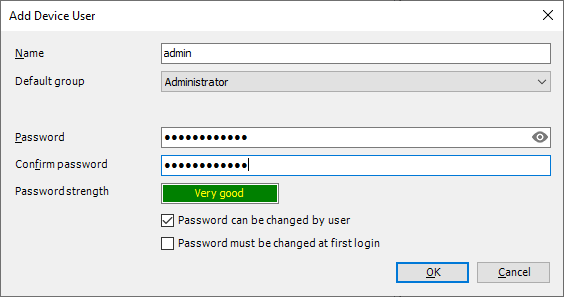
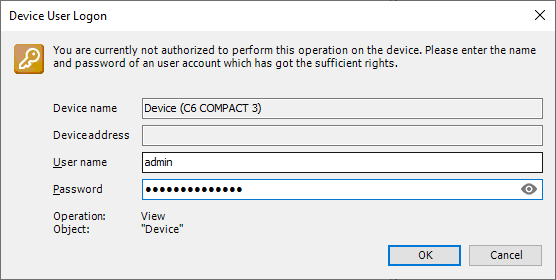
- Check if the Codesys connection requires authorization (user name and password), set and save it accordingly
- Codesys requires a Gateway i.e. you have to run a Codesys Gateway somewhere in your network
- Make sure the NOA App `Codesys Gateway" is installed
- Create a Codesys program for the device "C6 COMPACT 3", include a symbol configuration (at least one symbol set with at least read rights)
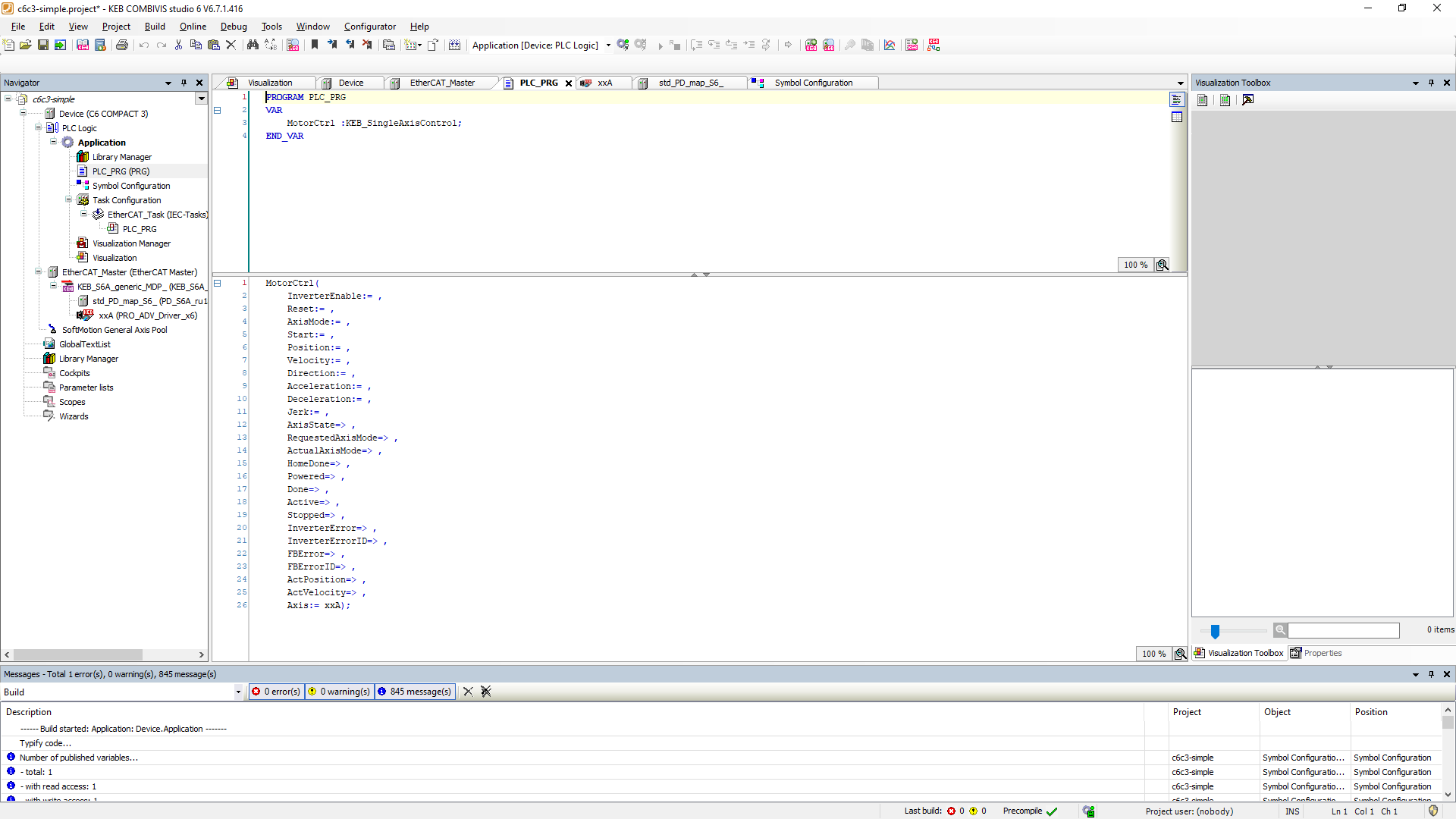
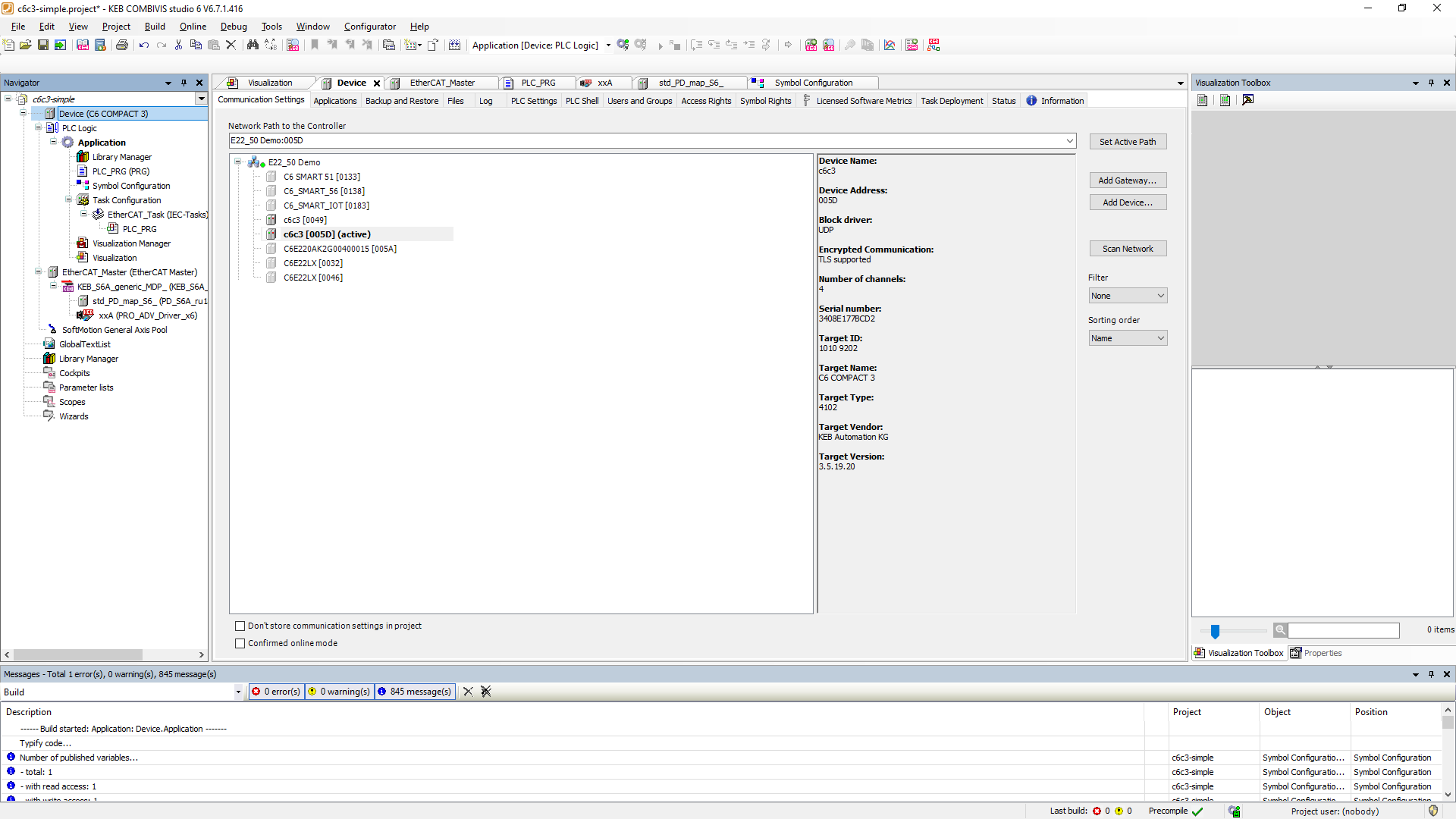 ⚠ The C6C3 is not yet readily available for programming i.e. it is not available in the list of devices inside COMBIVIS --> Ask KEB support to provide the device information or a project (archive) that includes this information
 - RUN the PLC Program: Connect to target device (login and download if needed) > Start PLC program
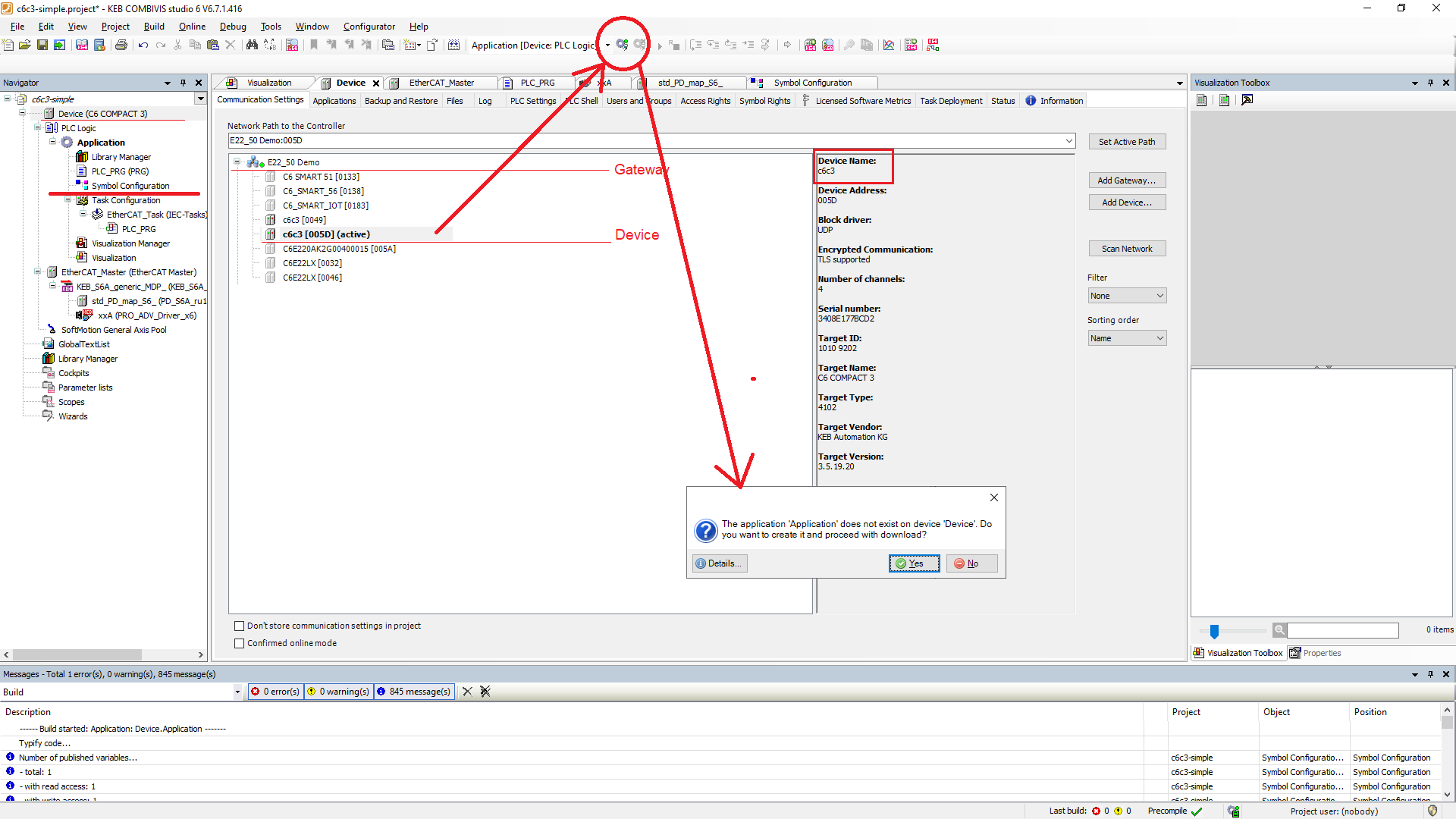
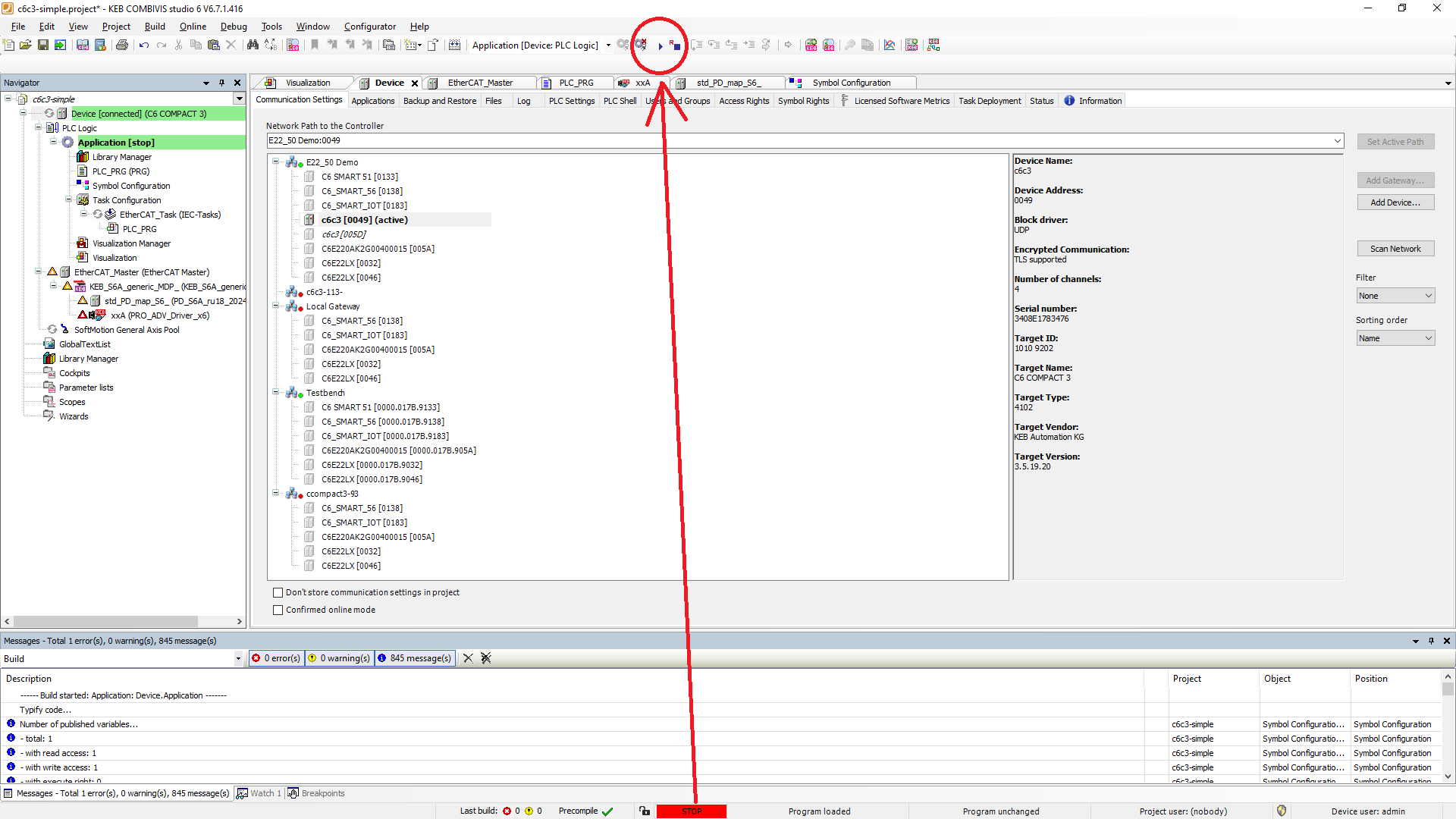
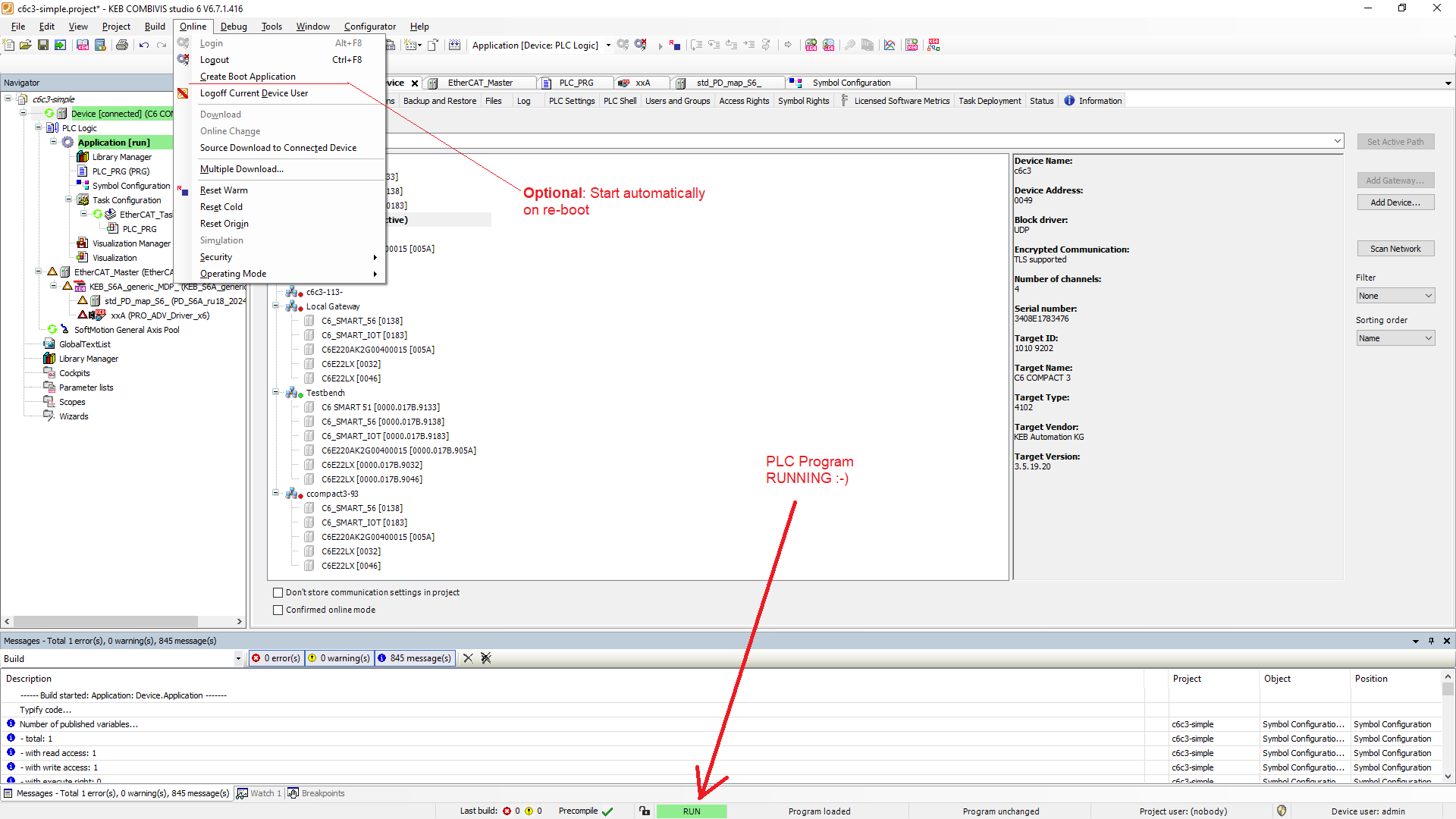
- If needed: Codesys Authorization in COMBIVIS (required for C6C3)
Access a C6 Compact 3 from NOA
➡ See Codesys Communication
Advanced Networking Settings
Needed e.g. for manual configuration of DNS.
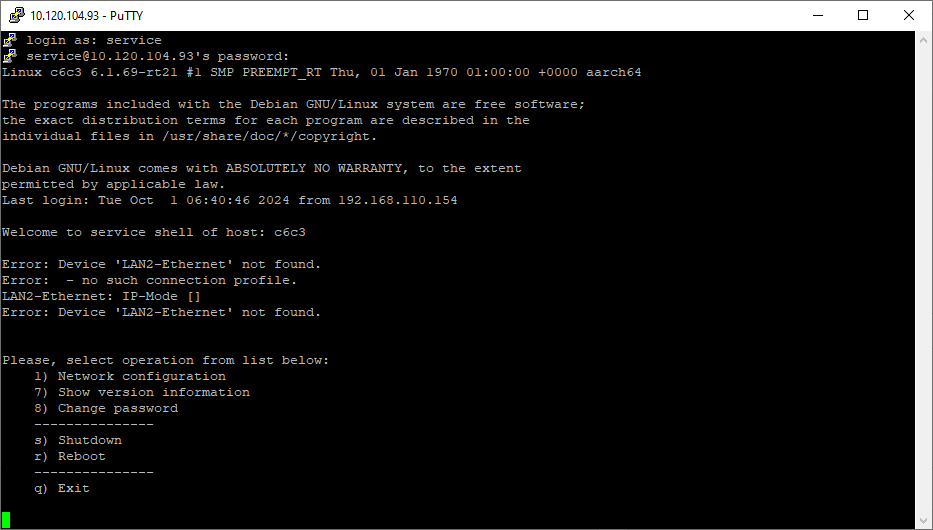
Access the device via SSH
- credentials
service/service - Follow the on-screen menu for advanced configuration of the device