NOA Portal Setup
Here you can see a minimal setup that will get you started with the typical IIoT Use Case Condition Monitoring in NOA Portal. After you have realized this Use Case, you will have a good overview of the different parts of NOA Portal. Guides are linked to give you more detail on the steps that you need to perform.
- Open NOA Portal in your Browser and log into your tenant
Log into NOA Portal. If you have no account, then contact the admin of your tenant and ask him to invite you (see Invite User)

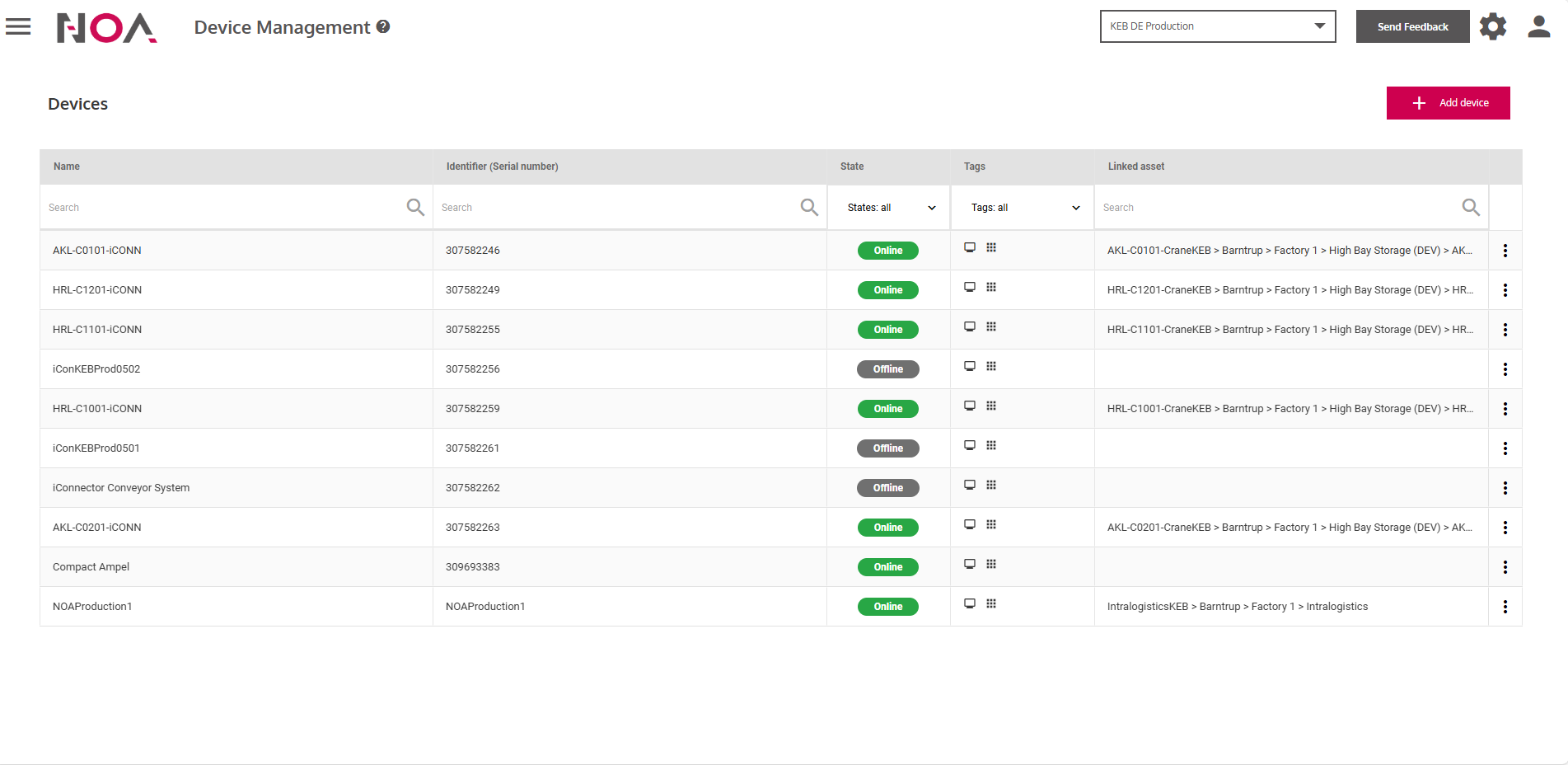
- Add an Edge Device to your tenant
See Add a Device for more information.
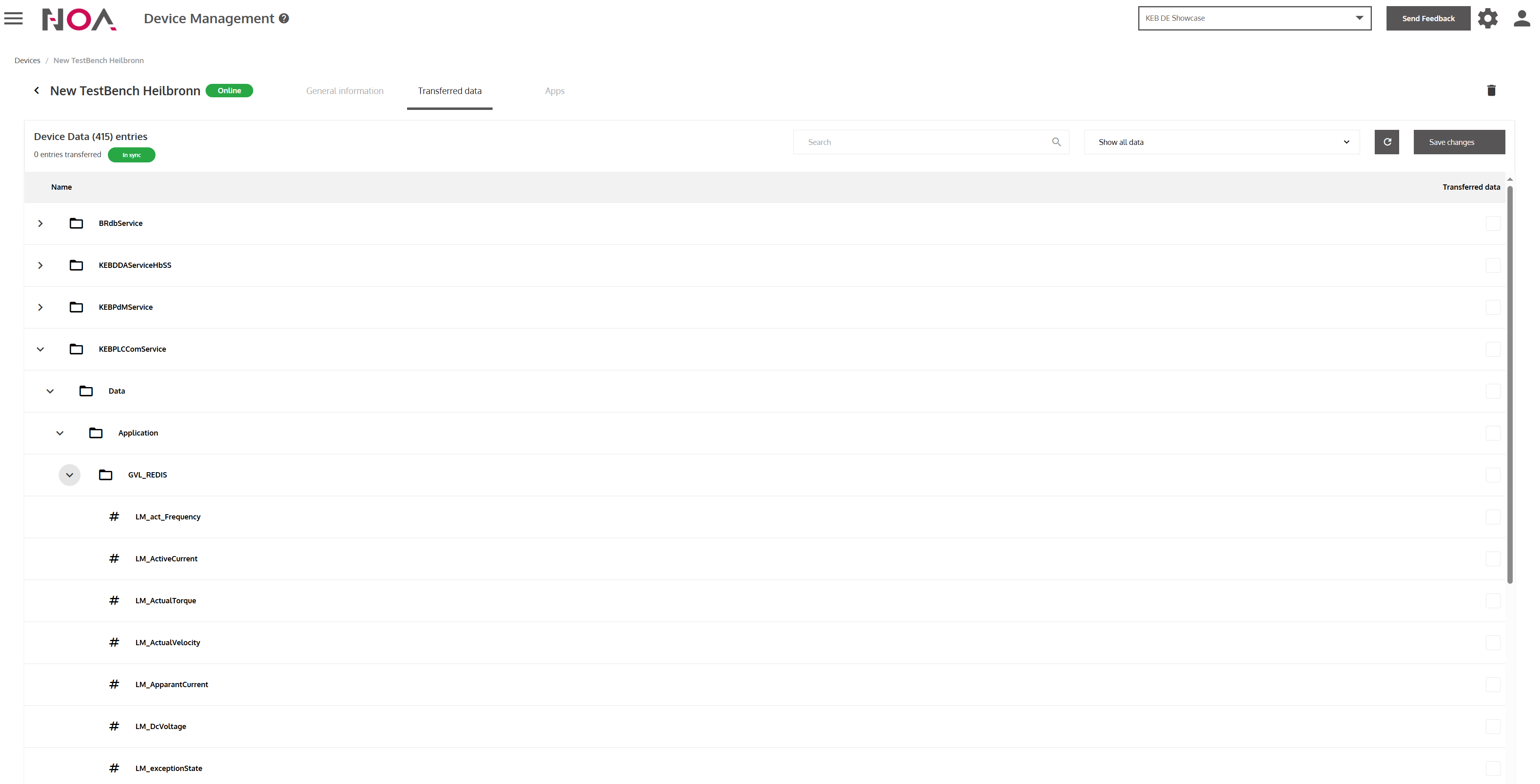
- Connect the Edge Device to a data source and transfer the data to your NOA Portal tenant
See Transfer Data for more information.
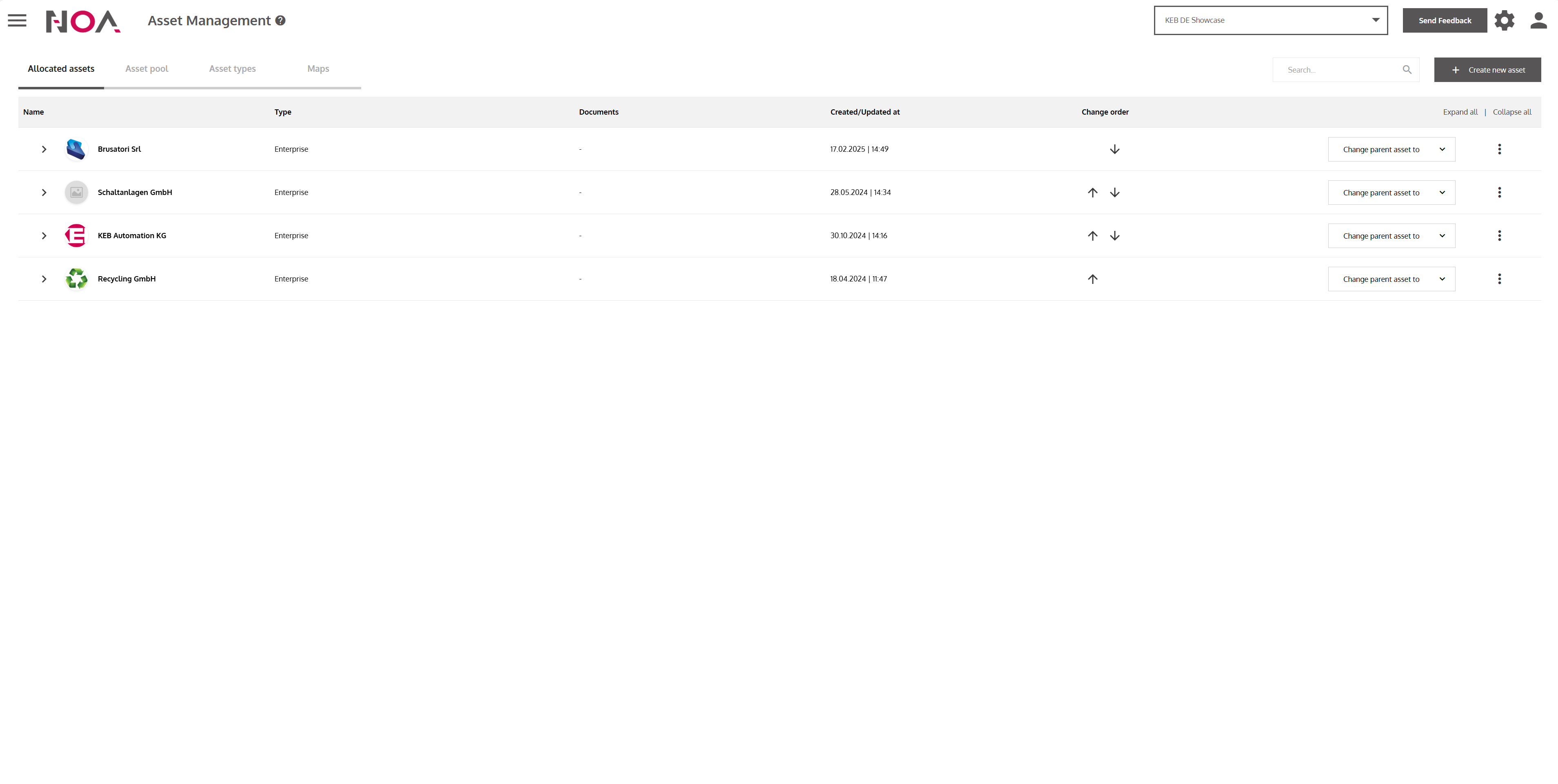
- Create the asset that you are transfering the data from
See Create an Asset for more information.
- Create a dashboard to display your transferred data
See Build a Dashboard for more information.
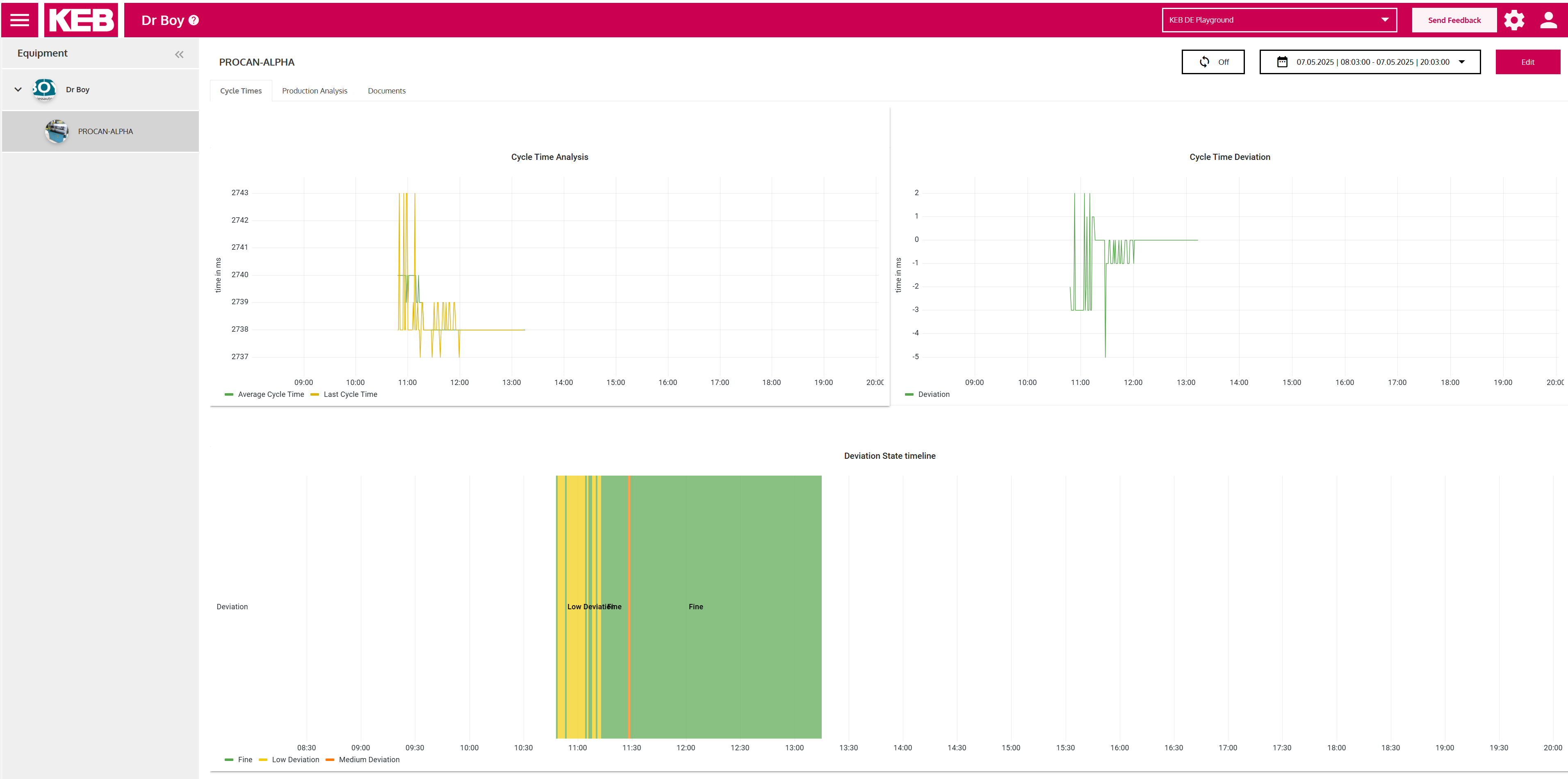
Mission accomplished!
You have realized your first Condition Monitoring Use Case in NOA Portal!