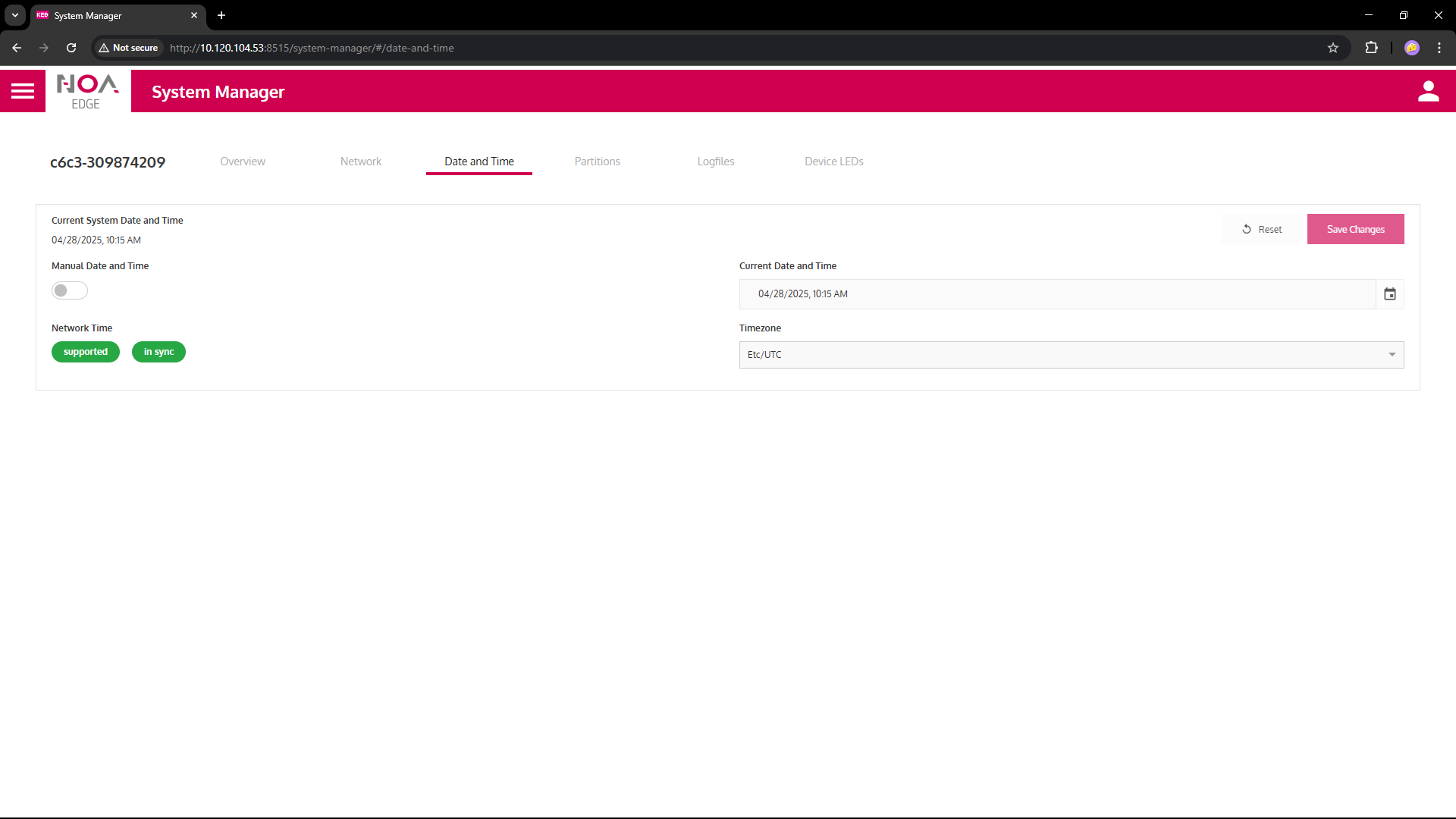
System Manager
Get information and perform basic settings for a C6 Compact 3.
⚠ Make sure the network settings are correct.
System Information
Overview for the device (C6 Compact 3) and Operation System (Linux based on Debian)
Available functionality
- Wink: Makes an LED on the C6 Compact 3 blink for some seconds; this makes it easier to identify the device in a cabinet
- Reboot: Restarts the device without power-off; asks for confirmation
- SSH access: When this is sewt to ON, SSH is enabled on port 22; this will be disabled every time the device reboots
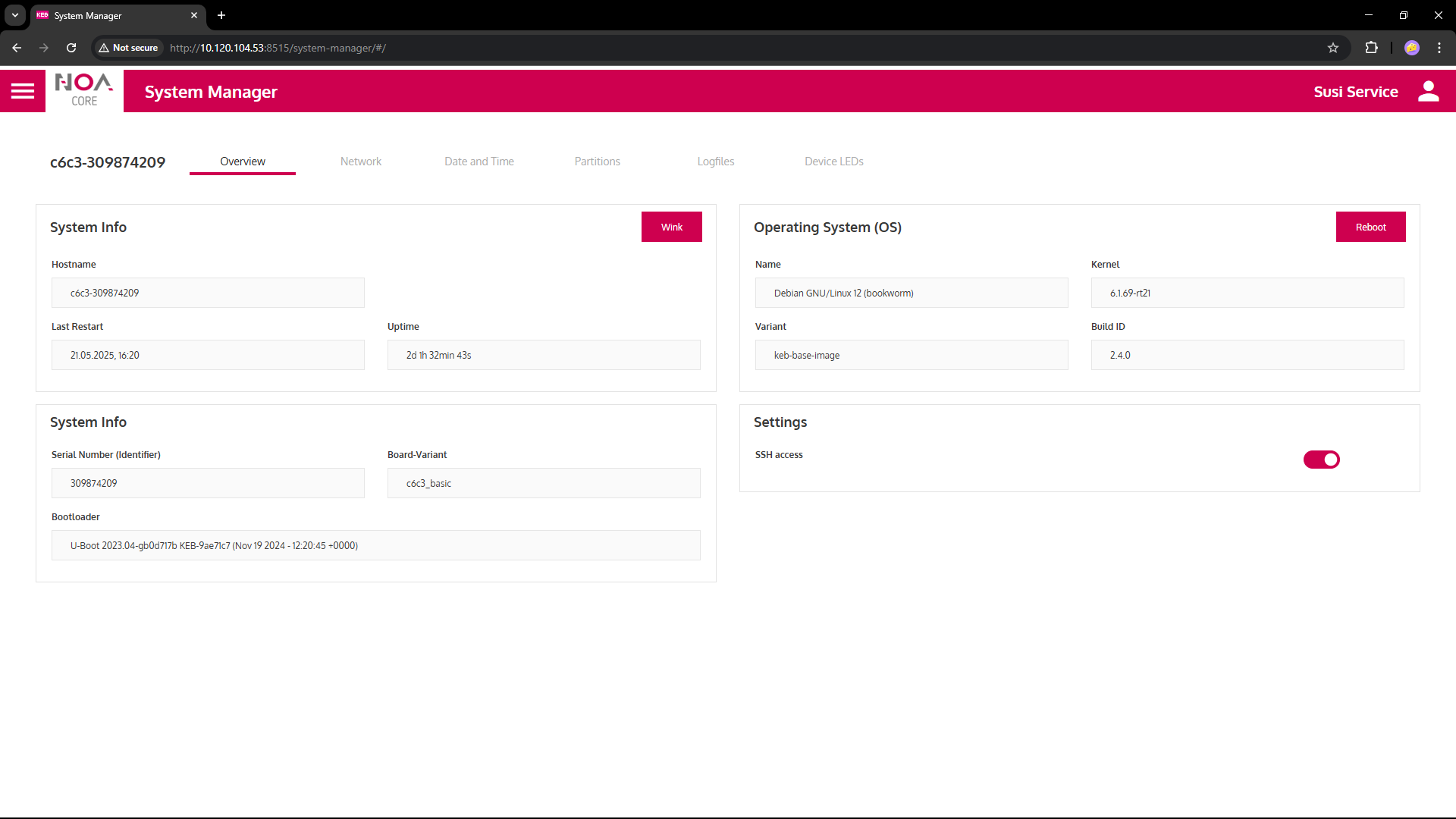
Network
- Standard Ethernet connection is on port "x2"
- Change the Hostname by clicking the pen icon next to it
- A change is applied immediately upon confirmation with the checkmark
- Info button: Read the explanation about "Reset", "Apply" and "Save"
- A DNS server may currently only be set via SSH and login as
service
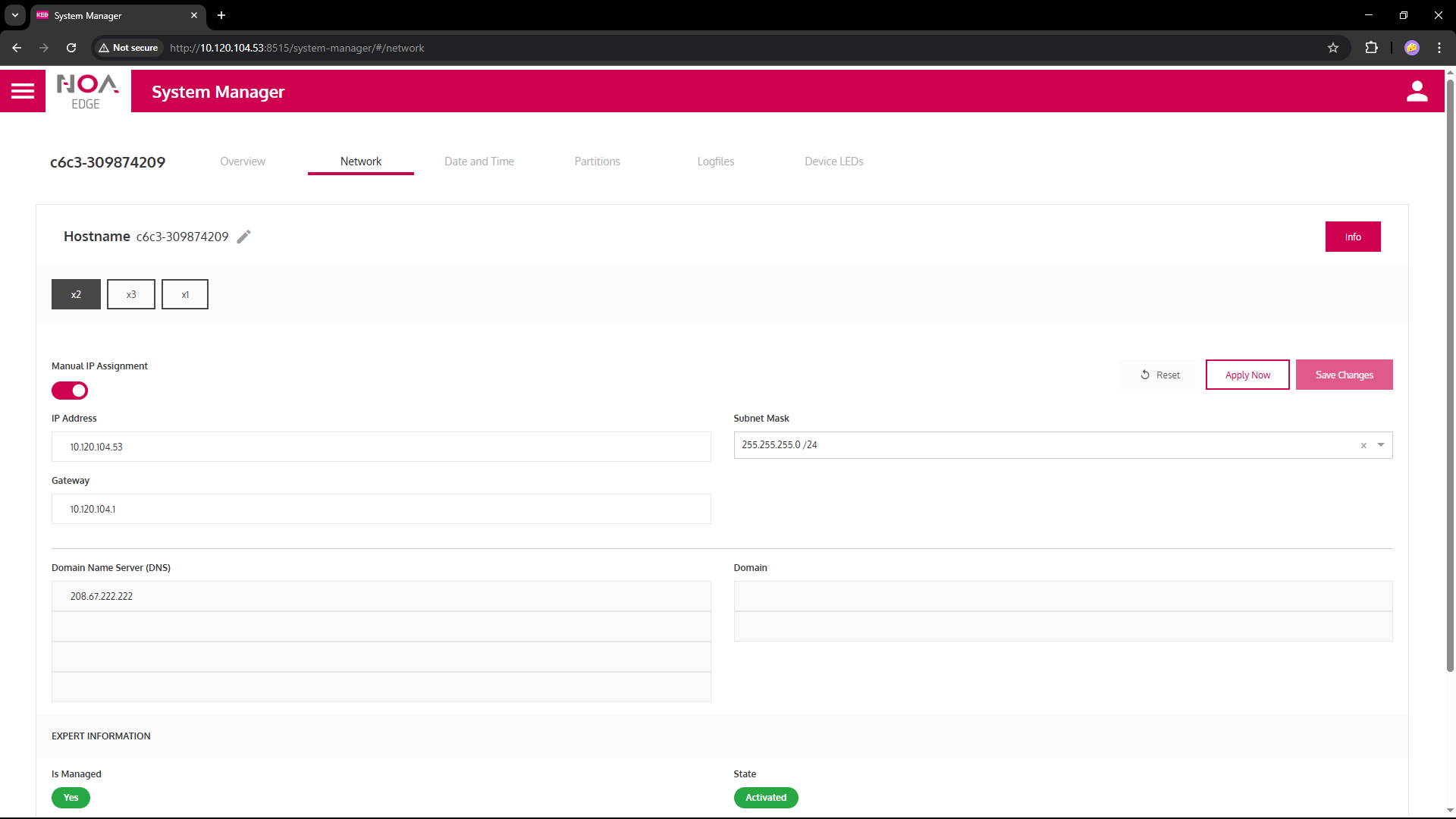
Date and Time
It is crucial to get the Date and Time settings right for your overall system to work correctly.
If not
- Timestamps may be wrong between different data sources
- Connection to the NOA Portal may not work
- Certificates depend on validity dates (from, to) and may be "expired" if the settings are wrong
- HELIO and Condtion Monitoring may not visualise data correctly
Manual Date and Time: Switch manual settings ON or OFF
- The default (OFF) is to use an external NTP server to get the device's time
- Internet access is needed to connect to the NTP server
- A Local NTP server may be enabled
- Login to the C6 Compact 3 via SSH as
admin - Manually adapt the settings for Chrony
- Consult KEB sales or support
- Login to the C6 Compact 3 via SSH as
- On some C6 Compact 3 a time set manually will be lost on re-boot (consult the specification)