Json Reader
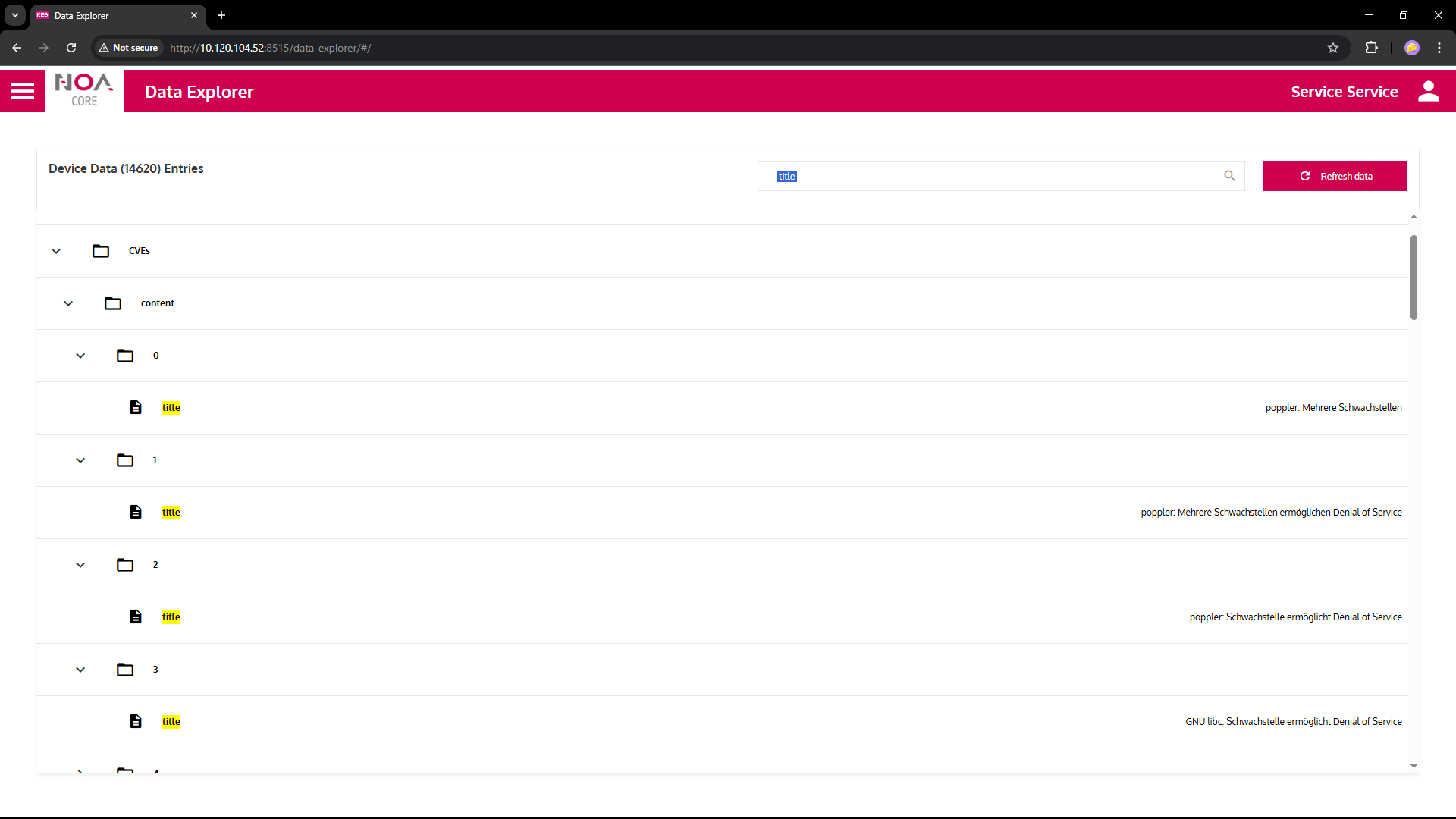
This app lets you connect to any REST API that returns a Json data structure.
- The service will pull data as soon as it becomes connected; upon success it will display the number of nodes from the Json source in the table.
- To change a connection: delete it from the three-dot menu and add it again.
⚠ The User Interface for this app is preliminary; try refreshing the page if something seems odd.
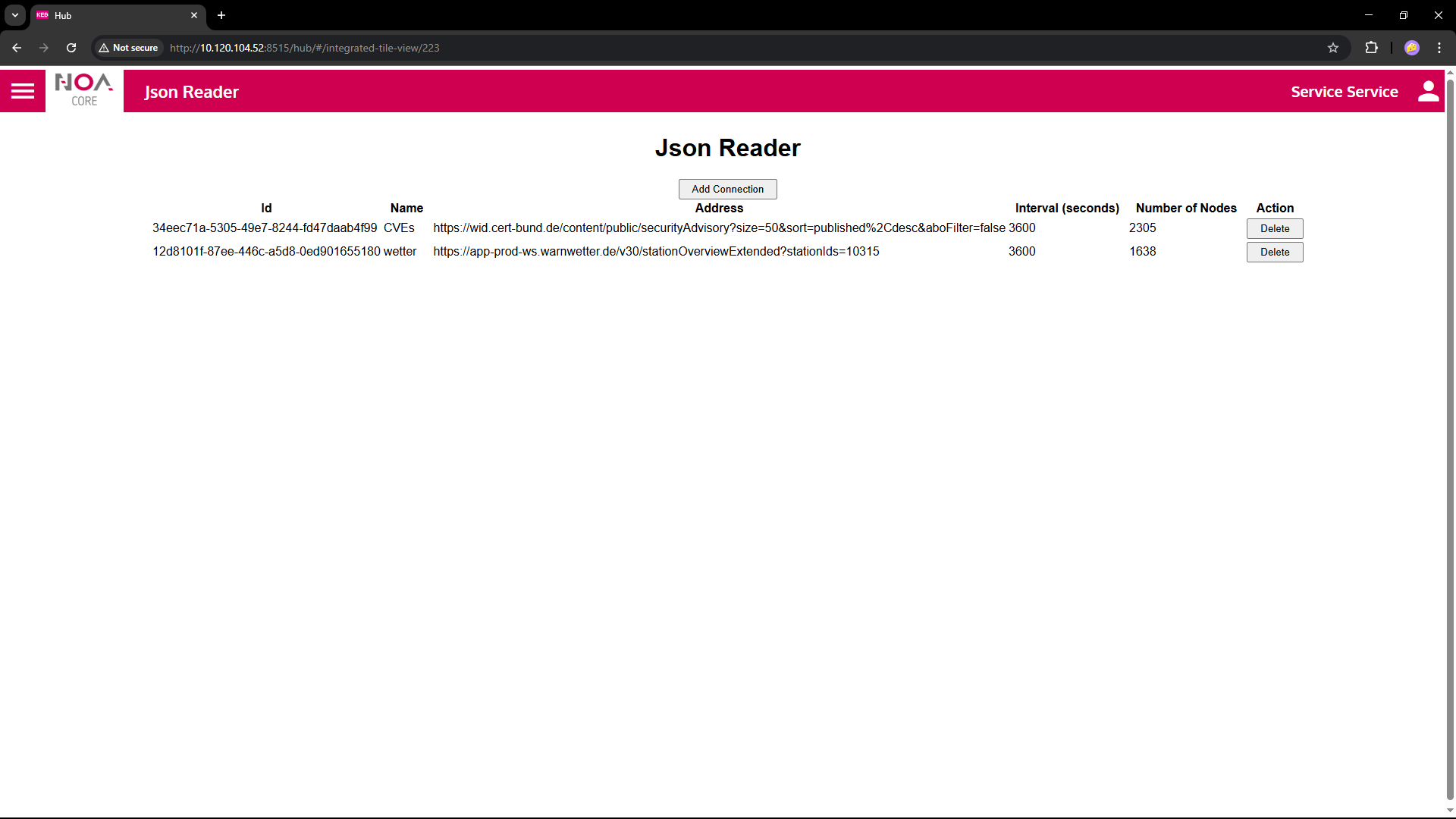
- Press the button "Add Connection" to create a new connection
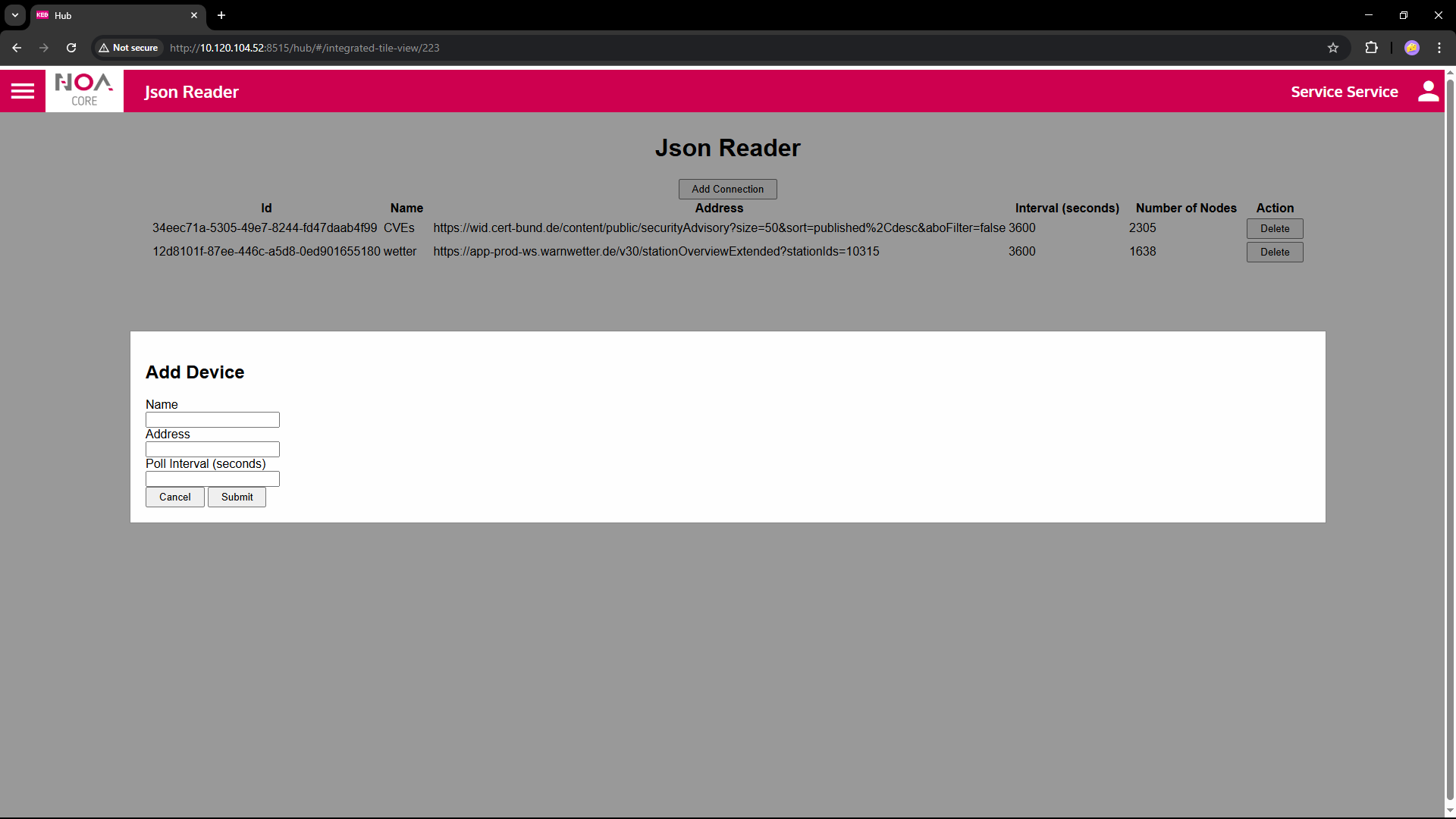
- Fill in the details
Name: Identify this data source on the NOA Bus
Address: Insert the complete URL to the REST service, examples see below
Poll Interval: Set this values (in seconds) to define how often data is pulled from the source
- Submit you settings to create the connection
Parameters
| Variable | Data Type | Description |
|---|---|---|
| General | ||
| Name | Descriptive Name for each connection | This name will be used as root node for this connection e.g. in Data Explorer and HELIO NOA Connection |
| Sampling Rate | How often data is expected from this connection | This is a hint to the communication app; it is up to the app if it can fulfil this sampling rate. The communication will send data at it's own discretion. |
| Device Connection | ||
| Target URL | URL | URL of the (public) REST API to call |
| Poll Interval | time in sec | how often the Json API shall be polled |
Example Settings
The examples show public Json data sources (REST APIs) that are available in Germany.
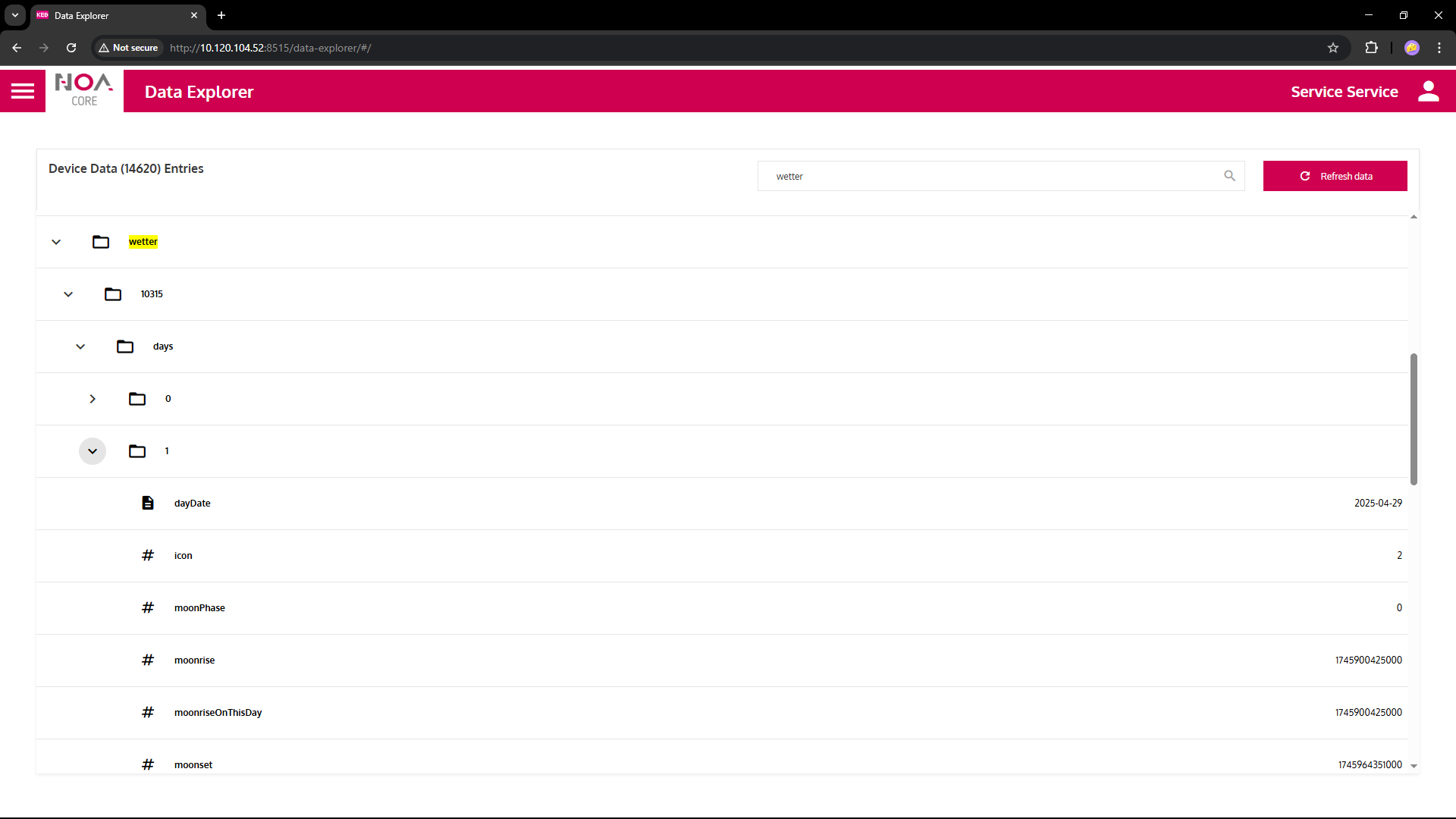
Weather data for Heilbronn
Public API by DWD (Deutscher Wetterdienst)
https://app-prod-ws.warnwetter.de/v30/stationOverviewExtended?stationIds=10315
List of security vulnerabilities (CVEs)
Public API by CERT Bund (Bundesamt für Sicherheit in der Informationstechnik)
https://wid.cert-bund.de/content/public/securityAdvisory?size=50&sort=published%2Cdesc&aboFilter=false
ℹ The list in the Data Explorer has been filtered for title,
for each entry multiple variables are available such as CVE numbers, severity and if a patch is available.