CIP Ethernet/IP Communication
The CIP Communication establishes a connection to a controller via the Ethernet/IP protocol.
Configure the parameters as below.
Upon success the service
- Shows the device's ...ip address... name big on top
- Shows "Connected" in the green pill right next to it (this pill shows the connection status in general)
- Starts reading the data tree immediately
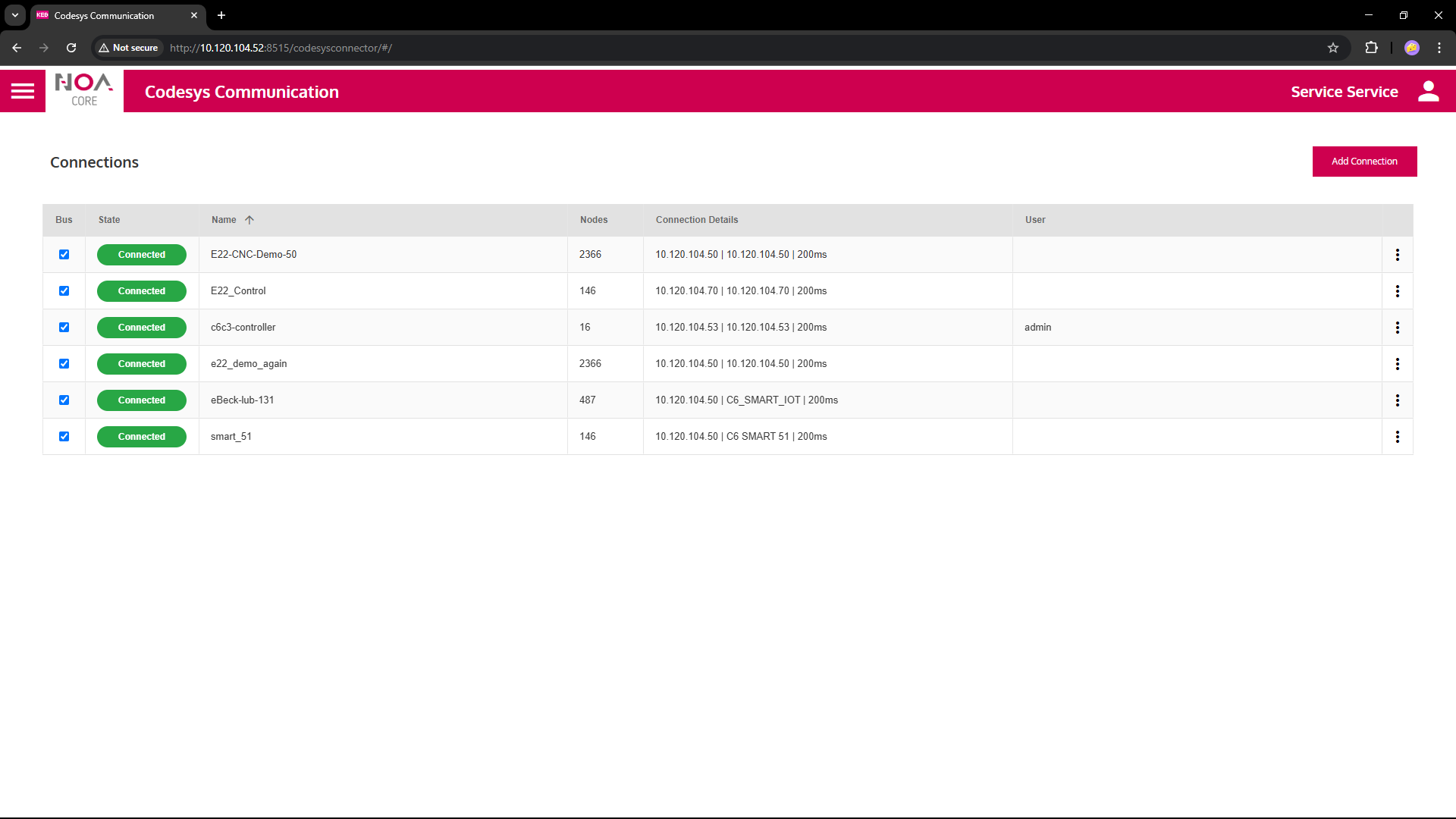
Prerequisites
To establish a CIP Communication the following must be available in the local network
- Target Device (controller) with Ethernet/IP access via an IP address
- A running PLC Program on the target device
- Data defined in a
Symbol Configurationand at least one symbol set with read and/or write access
Parameters
| Variable | Data Type | Description |
|---|---|---|
| General | ||
| Name | Descriptive Name for each connection | This name will be used as root node for this connection e.g. in Data Explorer and HELIO NOA Connection |
| Sampling Rate | How often data is expected from this connection | This is a hint to the communication app; it is up to the app if it can fulfil this sampling rate. The communication will send data at it's own discretion. |
| Device Connection | ||
| Address | IP address | IP address of target device (may be localhost or 127.0.0.1 if the gateway runs on the same device) |
| Output values | read-only | |
| Name | String | Codesys Name as returned on successful connection |
| Connected | Boolean | Reflects the state of the connection: TRUE iff the connection is completely established |
| Connection Status | String | Reflects the detailed state of the connection, shown in the pill on top of the screen ('Disconnecting', 'Connecting', 'Connected', ...) |
Example Settings
Allan Bradley
*** tbd ***
Rockwell
*** tbd ***
Omron
*** tbd ***
Troubleshooting
Potential Issues
- ... when there are any ...