Data Mapper
Converts one data point (source) on the NOA Bus to another (target).
Whenever the source changes the target gets updated.
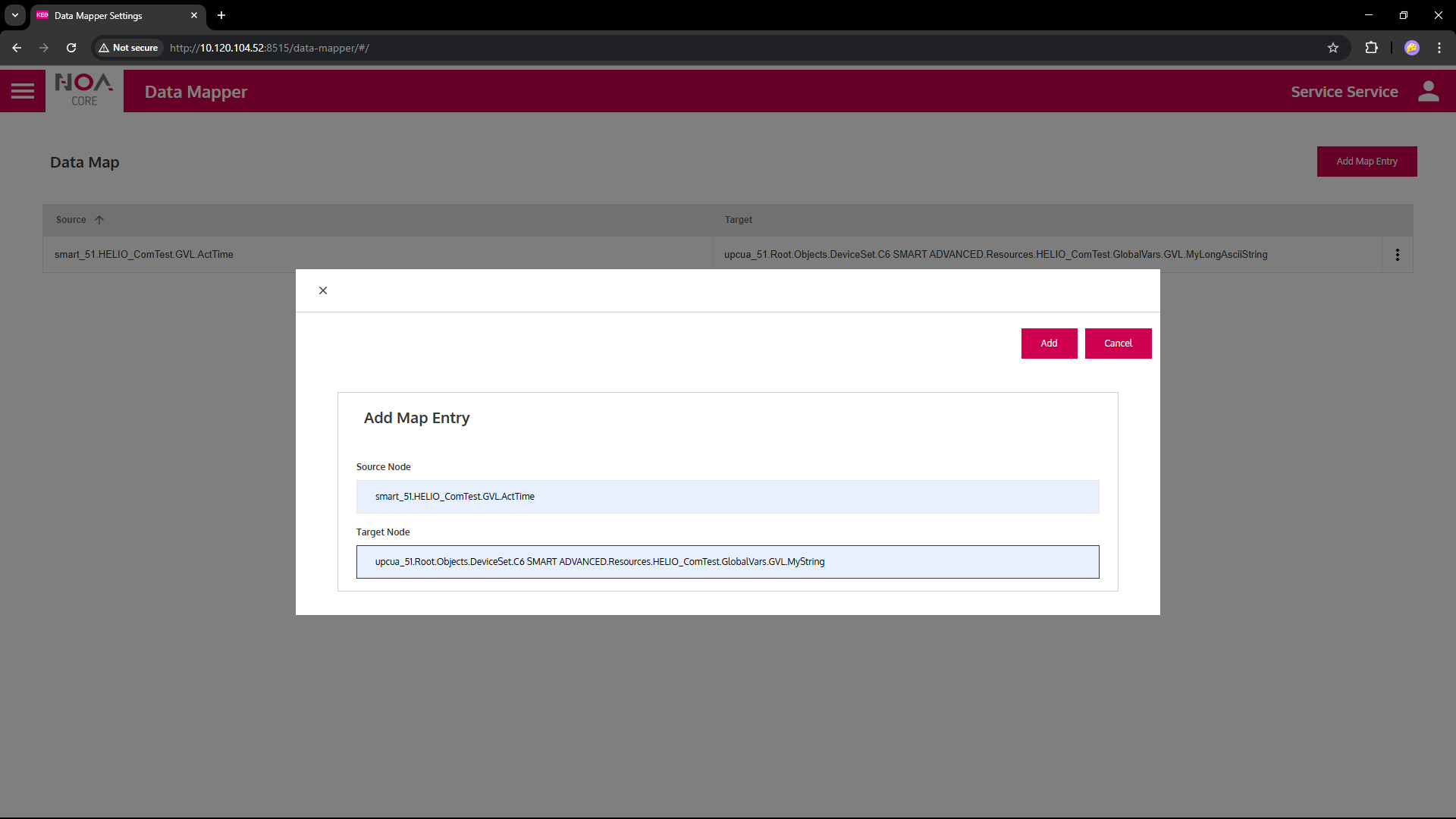
Add a mapping
- Click "Add Map Entry"
- Insert node IDs for Source and Target
- Add as many mappings as needed.
- Delete a mapping with the three-dot menu on the right of the row.
⚠ The data types between source and target must match. Behavior depends on the recieving service.
Find IDs for Source and Target Nodes
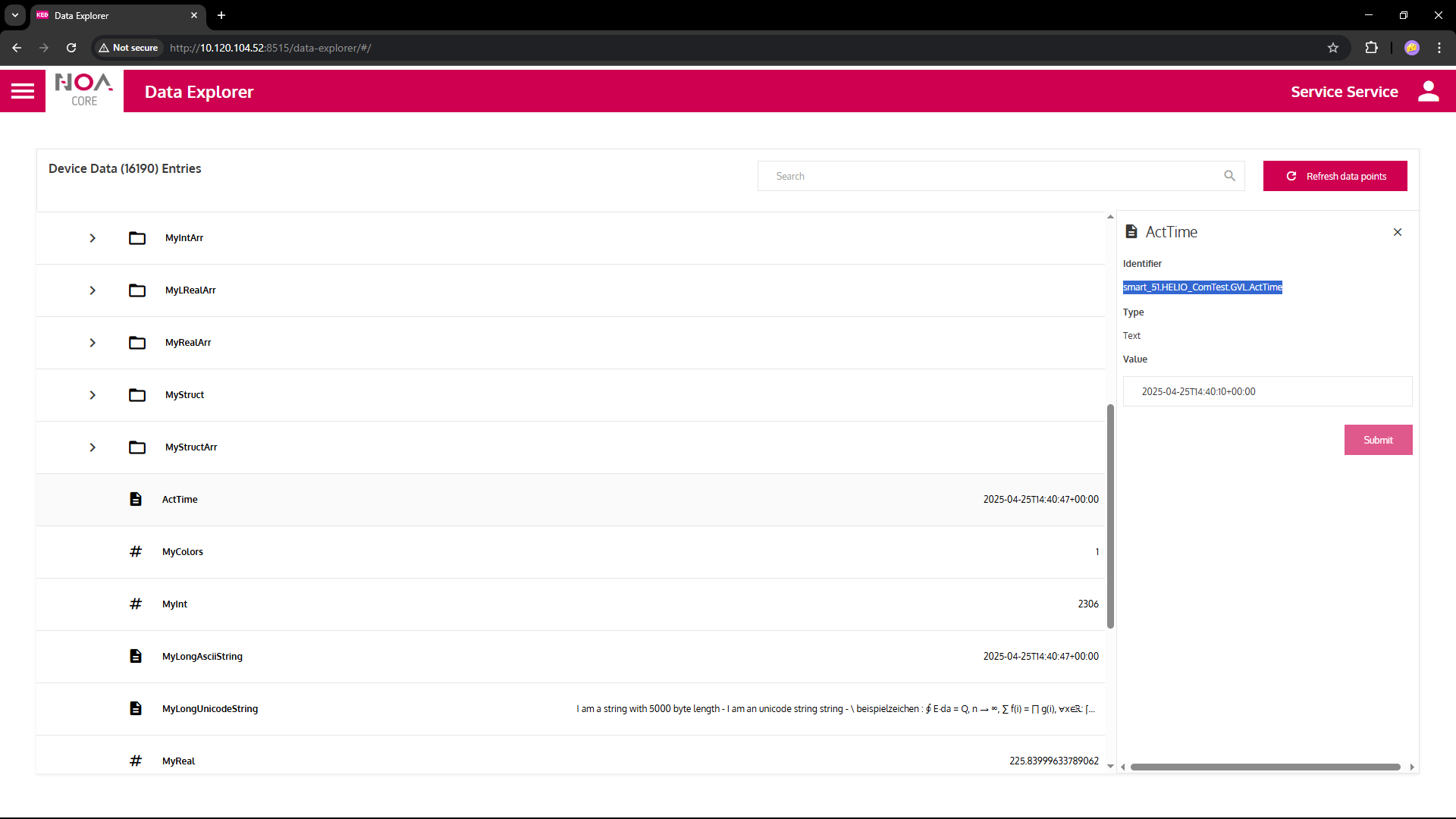
Find the IDs for source and target in the Data Explorer.
- Click on the line of the parameter (value) that you want to use
- Copy the value of the field "Identifier"